
The Next Step in Making AI Useful for Real Organisations
Oftentimes, Microsoft sneak high-value, clever, impactful changes out without fanfare. The things that truly are important to organisations but lack ‘sex-appeal’. They slip quietly into the product, and only later do those of us who pay attention we realise how much they have shifted the ground beneath us.
I forecast SharePoint Skills Files (A.K.A. AI Skills in SharePoint) fall into that category.
On the surface, they look simple: markdown files that sit in a library and tell Copilot how your organisation works. Like I said, ‘not-very-sexy’. But the implications run much deeper. This is the first time Microsoft has given organisations a practical way to encode their working culture, standards, and expectations directly into the tools people use every day.
And for anyone who cares about knowledge management, this is a moment worth paying attention to.
Not-very-sexy, but if you care about knowledge management, this is a moment worth paying attention to.
It’s a Claude thing
If you’ve been following the broader AI ecosystem, Anthropic’s Claude introduced the idea of skills: plain‑language markdown files that sit in a /skills directory and shape how the AI behaves in a particular environment. There’s no code, no configuration screens, just natural language, able to be written by the people who understand the work.
It’s a cracking idea, and now Microsoft has spotted it and is adopting the approach inside SharePoint. Why? Because contextual Artifical Intelligence, AI that understands your actual organisation rather than some generic one, is set to become the new baseline.
What are these Skills Files of which you speak?
In Claude, skills are modular, self-contained capability packs. Each skill is a folder containing:
- SKILL.md – the heart of the skill
- Instructions
- Metadata / frontmatter
- Invocation rules
- Supporting files – scripts, templates, examples, workflows
- Optional automation logic – e.g., how to spawn sub‑agents, how to read files, how to orchestrate tasks
Skills extend Claude’s behaviour in a predictable, reusable way. They are:
- Declarative (instructions, not code)
- Composable (multiple skills can load at once)
- Auto‑invoked when relevant
- Cross‑platform (open Agent Skills standard)
These skills are prompt‑based playbooks, rather than hard-coded logic. Claude interprets them and orchestrates tools accordingly.
Applying this in SharePoint, assuming Microsoft continue with the Claude approach, then a Skills File will define how organisations choose to define their information architecture, (IA):
- how documents should be named
- how they should be structured
- what metadata matters
- what should happen when something is uploaded
- how content should be written
- what “good” looks like in your organisation
Copilot can then read the relevant skill file, such as marketing.md and behave accordingly.
SharePoint has always been great at stored knowledge assets but, optimistically, has relied on people to do IA right.
SharePoint has always been great at stored knowledge assets but, optimistically, has relied on people to do the Information Architecture right. Skills Files let SharePoint store meta‑knowledge, the rules, habits, and patterns that make your organisation yours. Now AI in SharePoint can guide, or fix, the IA mistakes and laissez-faire inherent in our lovely users.
So What
Most organisations don’t suffer from a lack of knowledge. They suffer from a lack of consistency.
Documents are named differently.
Folders are structured differently.
Metadata is applied inconsistently.
Teams develop their own ways of working.
New starters spend months learning “how we do things here”.
Skills Files give us a way to address this without a six‑month governance project or a new set of mandatory training sessions.
They allow us to encode organisational norms, apply them automatically via AI, keep them up to date, distribute them across teams and make them discoverable and reusable. In other words: they give us a practical mechanism for institutionalising good practice.
This is gold dust for knowledge management.
Anticipation
Organisations should probably start preparing now. Skills Files only work if the underlying information architecture is sound. I know we keep banging on about it, but governance and structure really are that important. If your IA and libraries are a mess, and you don’t even have rules for staff to follow how can you imagine that AI is going to fix it. The first step is to make some decisions.
Set organisation‑wide standards
These should be the consistent, corporate minimum that apply everywhere; they are the backbone of your Skills Files. If you are a level 300 organisation you will already have a fair handle on this.
- naming conventions
- metadata rules
- retention and sensitivity
- tone of voice
- accessibility expectations
- document lifecycle patterns
Decide department‑level norms
Each function has its own way of working and function-specific information architecture. These should be defined as departmental Skills Files. For example:
- Legal: contract structures, clause patterns, filing rules
- HR: policy formats, onboarding packs
- Marketing: brand voice, campaign documentation
- Operations: project structures, reporting rhythms
Library‑specific behaviours
Individual libraries (should) have additional rules for the content they are configured to manage:
- what to do when a document is uploaded
- how to classify content
- which templates to use
- how to structure a project folder
- what “complete” looks like for a particular document type
These are the process level Skills Files.
SharePoint Skills System
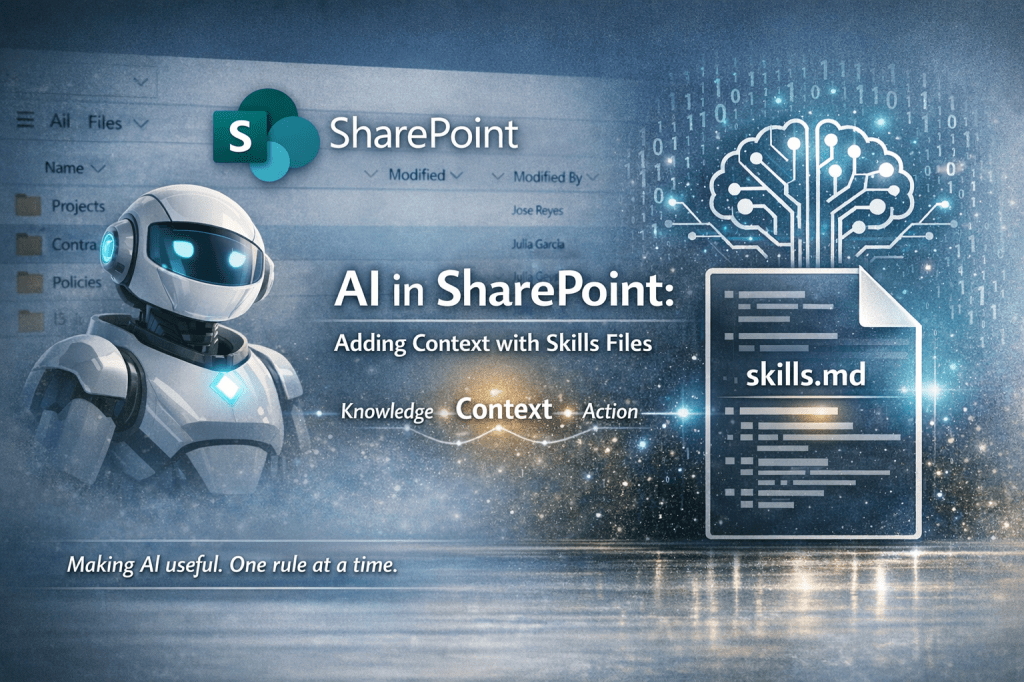
Skill Package Structure
A SharePoint Skill feels like it should be a folder or package containing:
skill.json (metadata)
- Name, description, version
- Allowed scopes (site, site collection, tenant)
- Permissions required (Graph, SharePoint REST, Search, Purview)
- Invocation rules (auto-trigger, manual, context-based)
skill.md (instructional logic)
- High-level behaviour
- Steps, constraints, formatting rules
- Enterprise‑specific workflows (e.g., “use our naming convention”, “apply our retention labels”)
Supporting Assets
- Templates (Word, PPT, SharePoint pages, Lists schemas)
- Scripts (PowerShell, PnP, Graph calls)
- Branding assets (logos, colour palettes, typography tokens)
- JSON schemas for structured outputs
Optional Automation Modules
- Power Automate flows
- Adaptive Card templates
- Viva Topics metadata
- SharePoint Framework (SPFx) components
Skill Invocation Model
Manual invocation
/create-site-proposal/summarise-this-library/apply-governance
Contextual auto-invocation
Triggered when Copilot detects:
- A SharePoint page being edited
- A document library with inconsistent metadata
- A site missing governance tags
- A user uploading a document that matches a known template
Tenant-level governance
So admins can:
- Approve skills
- Assign skills to hubs or site collections
- Restrict skills by sensitivity labels
- Version and audit skill usage
This is all fine and well, but a bit dry. So, in my follow up article, I have published a simple tool kit to get you started
The Skills I want and how they should behave
There is a range of things Skills could handle for us. Perhaps MS could be kind enough to give us:
Content Skills
- Page creation (news, landing pages, hub pages)
- Document drafting using corporate templates
- Metadata extraction and tagging
- Summaries, translations, rewrites
Governance Skills
- Apply retention labels
- Validate site configuration
- Enforce naming conventions
- Check permissions hygiene
Automation Skills
- Trigger Power Automate flows
- Generate list schemas
- Build site structures (libraries, lists, navigation)
Knowledge Skills
- Integrate Viva Topics
- Extract reusable knowledge from documents
- Build knowledge cards or topic pages
And this is what they be
Context-aware: Understand the current site, library, file, or page. Use Graph to fetch context (permissions, metadata, site type)
Brand-aware: Apply corporate branding automatically; use approved templates; enforce tone-of-voice guidelines
Governance-aware: Respect retention, sensitivity, and compliance; log actions to Purview and never bypass permissions
Composable: Multiple skills should be able to activate together. For example:
The “Create a project site” skill invoke
→ site template + governance + navigation + metadata + permissions
Skills Files information architecture
I’m guessing at this point, since I don’t yet have my hands on the feature, but I’d like to see a sensible structure something like this:
/skills/globalnaming.mdmetadata.mdtone.mdgovernance.md
/departments/legalcontracts.mdcompliance.md/marketingbrand-voice.mdcontent-structure.md/hrpolicies.mdonboarding.md
/local/projectsproject-behaviour.md/contractscontract-filing.md/policiespolicy-lifecycle.md
A few guidelines might be wise to avoid getting carried away; the goal is clarity, not complexity.:
- Keep global skills short and unambiguous.
- Let departments express their own patterns, but within the global frame.
- Use local skills sparingly, only where behaviour genuinely differs.
- As always KISS applies – sensibly 10–20 Skills Files in total, not 200.
What Skill files unlock
Skills files mean organisations can define how AI behaves, not just what content it sees. SharePoint is moving from static templates to dynamic, AI‑driven behaviours. Historically, SharePoint has been about static admin‑defined content:
- site templates
- content types
- lists and libraries
- governance rules
- page layouts
Skills files introduce a behavioural layer on top of SharePoint. Instead of “here’s a template, do your best”, Skills Files open up:
“Here’s how to write content in our tone of voice.”
“Here’s how to build a project site the way our organisation does it.”
“Here’s how to apply governance the way our organisation requires it.”
With AI in SharePoint guiding and doing the heavy lifting as needed. This enables governance, repeatability, and enterprise‑scale patterns. Not just documents and templates, but the rules that govern how knowledge is created, structured, and used. In many ways it’s the holy grail of KM.
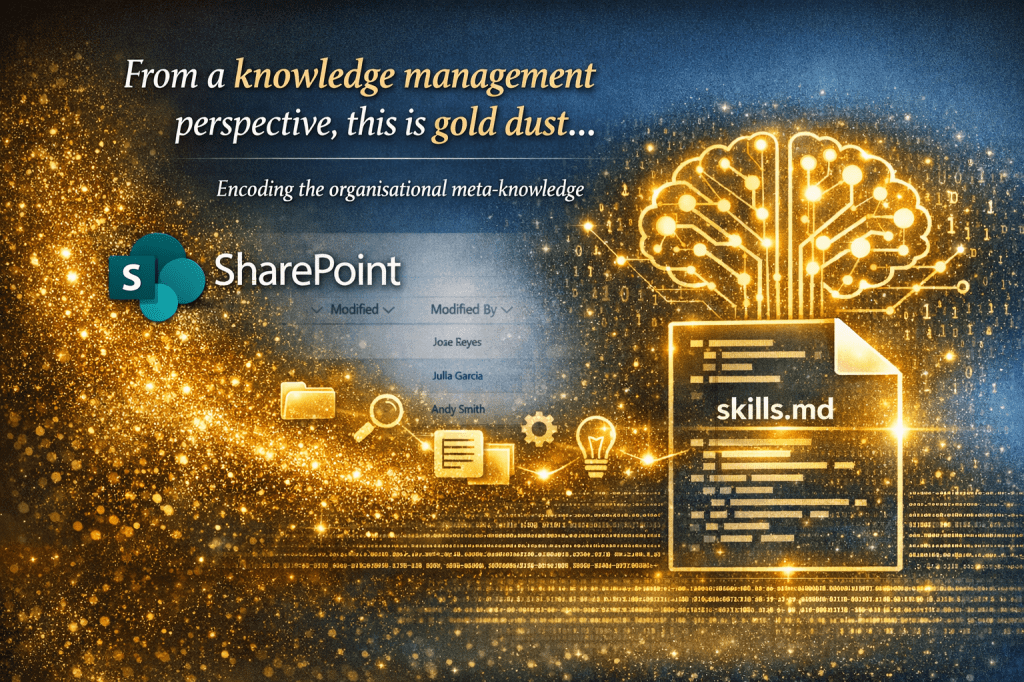
“From a knowledge management perspective this is gold dust…
It not only drives consistency and value of existing knowledge assets, but it provides a means of encoding the organisational meta‑knowledge…”
If Skills Files are done right they enable AI to behave like someone who has worked in your organisation for years. An ideal employee, who guides other employees to make them better too.
What’s next
Share the love
Amongst the promises are that the Skills Files will be shareable. Experts will be able to offer/market:
- industry‑specific packs
- consultancy‑built libraries
- community‑maintained best practice
- cross‑organisation reuse
Personal agents
Hopefully the same pattern can be applied at the individual level. I have been gradually looking at what it takes to develop a genuinely personal AI, our digital twins that mirror:
- writing style
- task patterns
- project structures
- personal preferences
Skills Files offer a structure for developing these.

Further reading
If you want to explore this further, these are the most useful pieces currently available:
- Carl Miguel Silva – “SharePoint is getting Skills files”
- Joe Majoros – “Microsoft Skills Files for SharePoint: Boost AI with Solid Foundation”
- Daniel Anderson – Commentary on Skills Files
- GitHub – zrosenfield/sharepoint-ai-skills
- Skills Files Starter Kit – https://noviaworks.co.uk/2026/03/10/sharepoint-skills-files-starter-pack/

 Novia Works Ltd
2 replies on “Microsoft’s Skills Files: A Game Changer for AI in Organizations”
[…] recently published an article on the forthcoming Skills Files in SharePoint. To recap, Skills Files are one of those features that look modest at first glance but end up […]
[…] Skills Files are one of those features that reward a measured, structured rollout. They’re technically simple to create, but the impact they have depends entirely on the clarity of your information architecture, your business culture and style, and the discipline of your teams. […]