Categories
AI Business Thoughts and Musings

The Future Belongs to the Intellectually Young

Artificial intelligence is being blamed for making experienced workers obsolete. The rather more uncomfortable truth is that rapidly changing industries have always favoured people who can learn quickly, adapt freely and abandon ideas that no longer work. AI has not created that reality. It has merely made it much harder to ignore. There is an […]

Categories
AI Branding Business Copilot Governance Microsoft 365 Skills Uncategorized

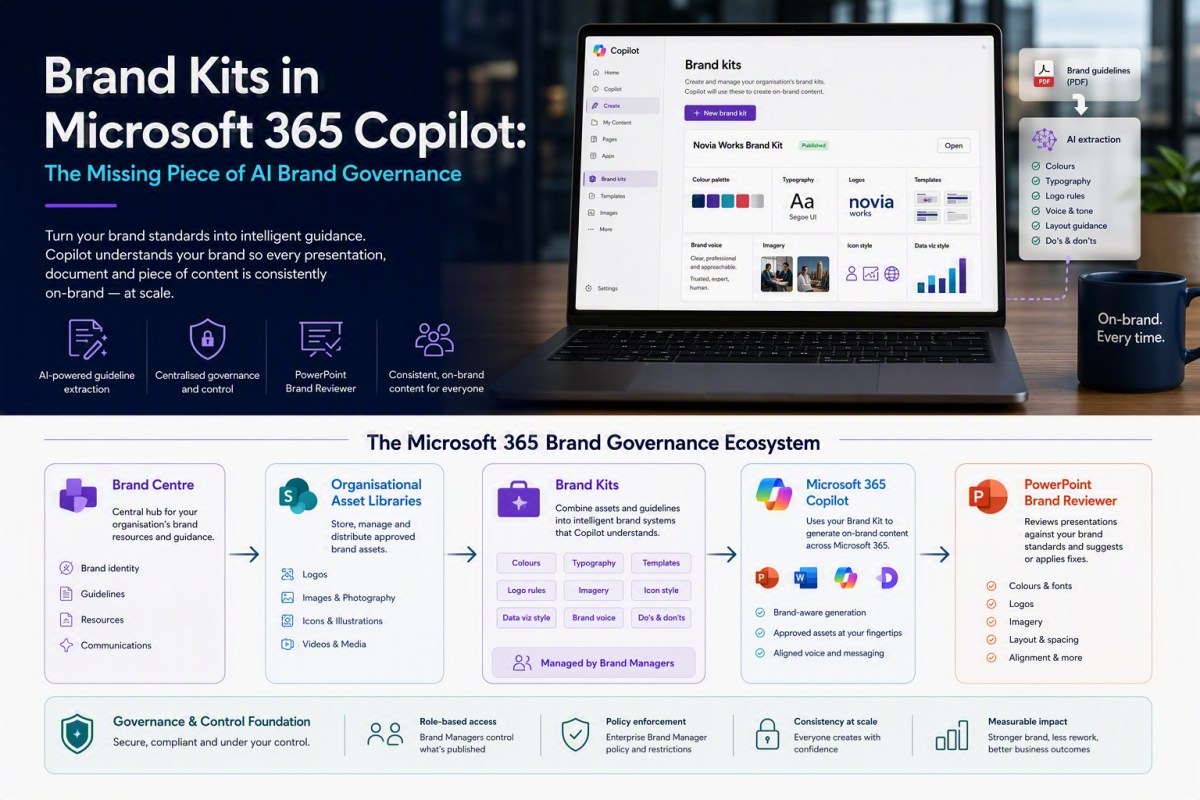
More on Brand Kits in Microsoft 365 Copilot:

As Microsoft continue to improve their branding story, aided by increasingly useful AI tooling, I revisit the topic and look at the overdue PowerPoint updates

Categories
Agents AI Copilot Governance Thoughts and Musings

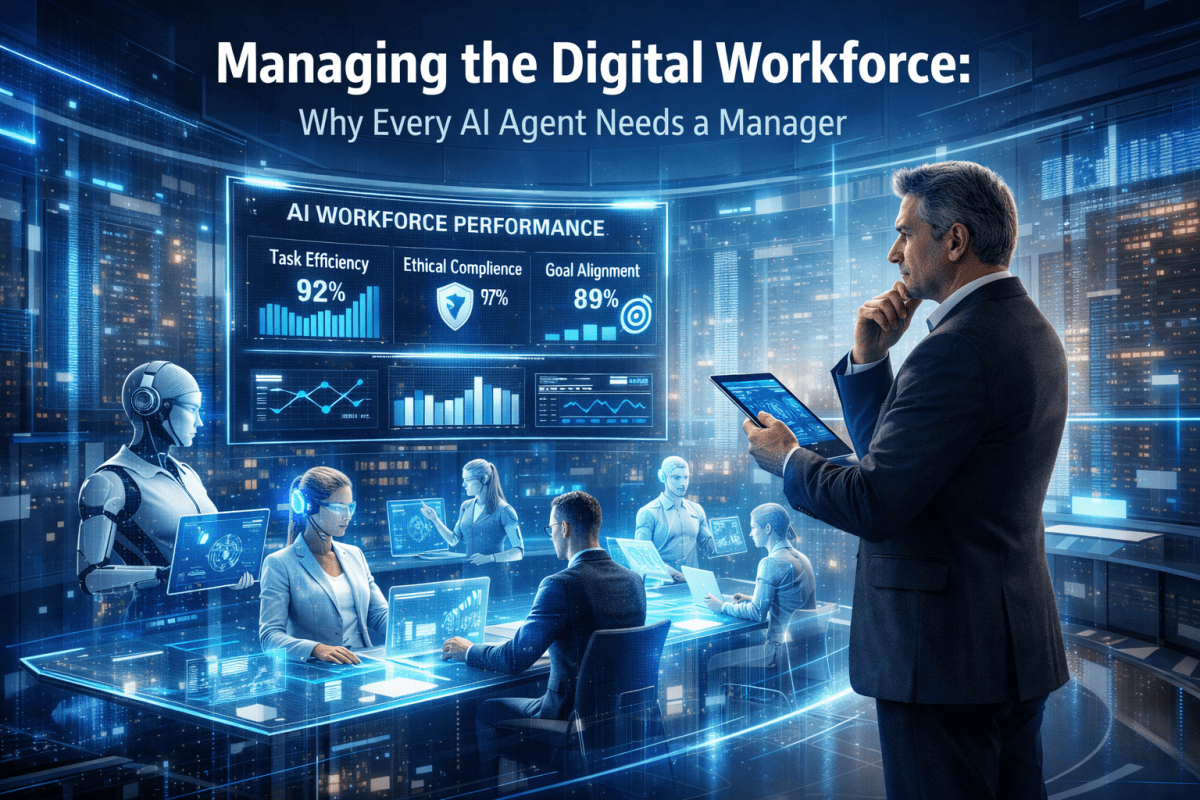
Managing the Digital Workforce

Why Every AI Agent Needs a Manager For most of the modern corporate era, organisations have operated on a simple assumption. People perform work and technology supports them. Human beings make decisions, exercise judgement, take responsibility and are held accountable for outcomes. Systems, applications and software tools provide information, facilitate communication and automate routine tasks, […]

Categories
Branding Communication Copilot Governance Microsoft 365 Skills

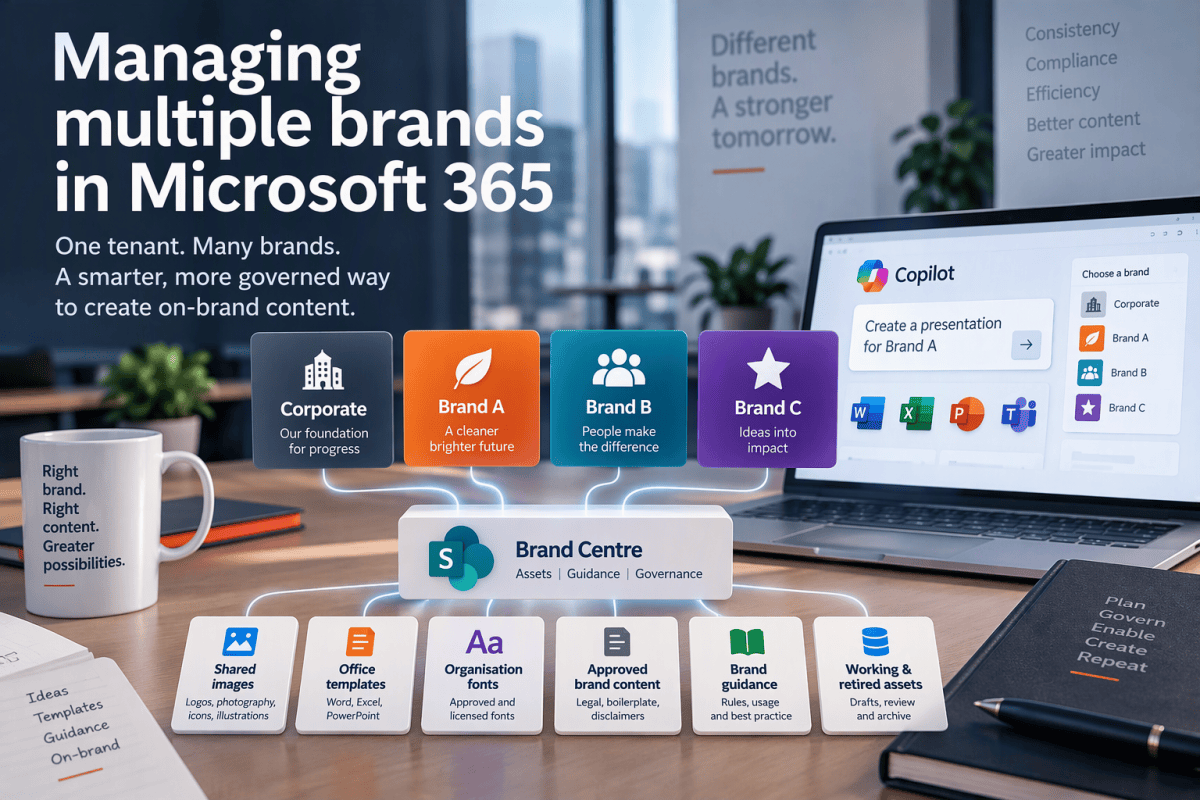
Brand Centre Vs Brand Kit

A chance repost by the ever insightful Ami Diamond reminded me that Microsoft has, in its wisdom, ‘centralised’ it’s branding tools in SharePoint Brand Centre and Brand Kit. At first glance this feels like Microsoft creating two products to solve the same problem. In reality they target different audiences and, while there is overlap, they […]

Categories
Agents AI Business Process Copilot Governance Microsoft 365 SharePoint Skills

Can I Ground Copilot in a Preferred Website?

We often want to tell our AI to use a preferred or definitive website as the grounding source for certain types of queries.
It seems like such a simple thing. This is why it isn’t and what to do about it.

Categories
AI Best Practice Content management Improvement Microsoft 365 SharePoint Skills

Skills files 101 – start here

First steps: enabling skill.md capabilities in SharePoint, installing your first skills and where to use them.

Categories
Adoption Best Practice Business Business Process Microsoft 365 SharePoint

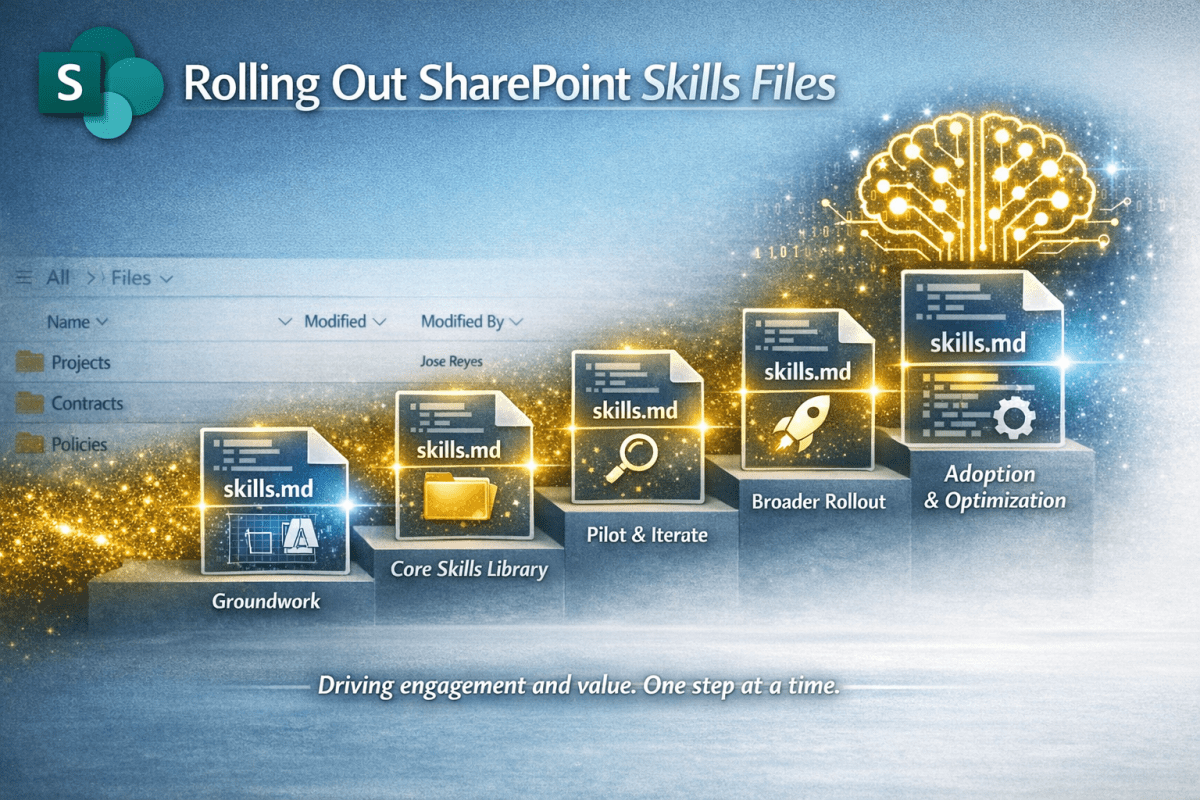
Rolling Out SharePoint Skills Files

You have got your head around Skills Files and even created some using the Starter Kit. Now you want to get it out there so the benefits happen at scale. This article gives you some simple guidance.

Categories
AI Best Practice Business Process Content management Copilot Governance Microsoft 365 SharePoint

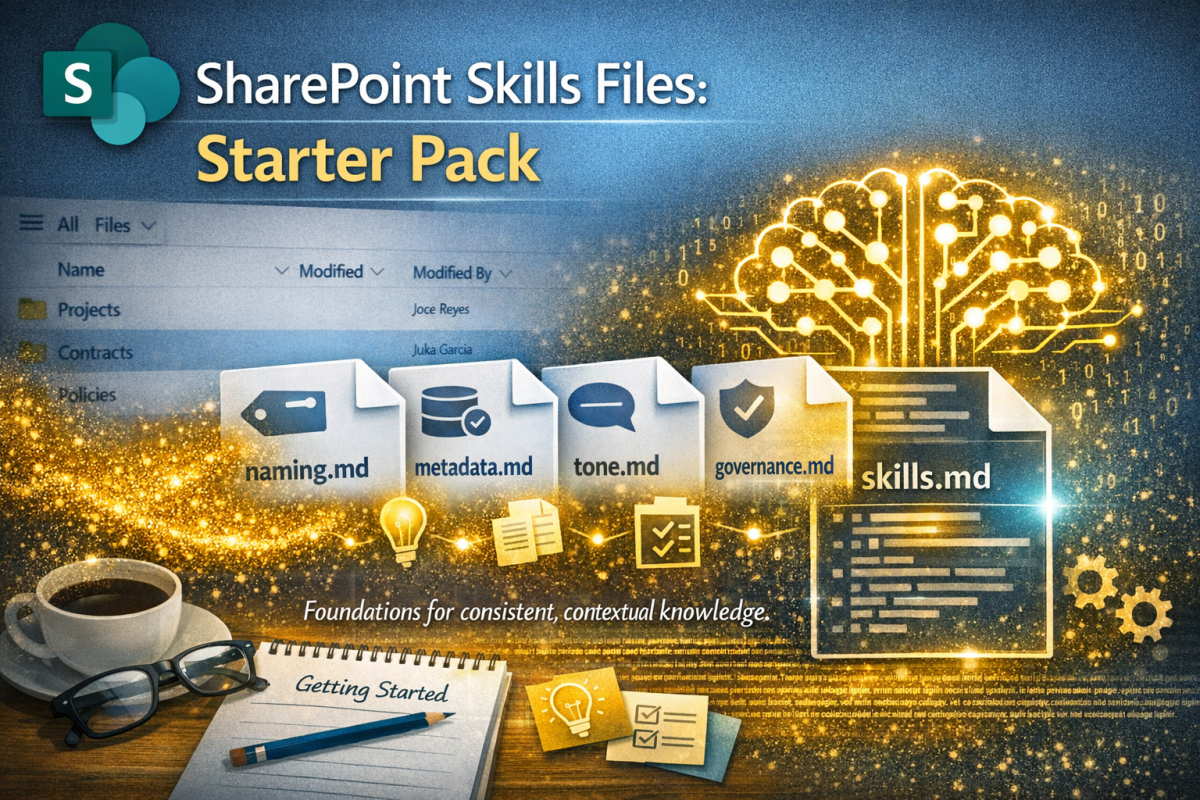
SharePoint Skills Files Starter Pack

Having already published an introductory article on the upcoming #SkillsFiles feature in #SharePoint (and how they will provide context for #AI to drive #governance, #process and #content management) I felt a need to provide some practical tools. Hence this starter pack.

Categories
Agents Branding Business Process Content management Governance Microsoft 365 SharePoint

Microsoft’s Skills Files: A Game Changer for AI in Organizations

SharePoint is getting Skills Files – markdown instructions that tell AI how your organisation works. From a KM perspective, this is gold dust: consistent, contextual, and a practical way to encode organisational meta-knowledge. Let’s dive deeper…

Categories
Best Practice Content management Microsoft 365 OneDrive SharePoint

Shortcuts vs Sync in SharePoint: What Really Happens

Add shortcut to OneDrive seems like such a nice idea; a useful alternative to the oft-maligned Sync function for those needing desktop access to their files.

But all is not well in Wonderland

Categories
AI Best Practice Content management Copilot Metadata Microsoft 365 SharePoint

Mastering Content Types in SharePoint Online

To build a great content management solution in SharePoint you should use Content Types. Simon Hudson and Mats Warnolf tell you how and why.

Categories
Microsoft 365 Planner SharePoint Task Management

Planner roadmap – from SharePoint to Dataverse

I use Microsoft Planner and To Do for lightweight project management, preferring its simplicity. The announcement of a unified Planner experience merging Planner, To Do, and Project, had me spooked.
This blog unpicks the impacts for the ordinary user.