Wouldn’t it be useful to pull knowledge from selected external sites directly into Copilot alongside your internal knowledge.
Now you can. Sort of…
I tell you how, and why it’s far from perfect.
 Novia Works Ltd
Simon Hudson is an entrepreneur and health sector specialist. He formed Cloud2 in 2008 following a rich career in the international medical device industry and the IT industry. Simon’s background encompasses quality assurance, medical device development, international training, business intelligence and international marketing and health related information and technology.
Simon’s career has spanned both the UK and the international health industry, with roles that have included quality system auditing, medical device development, international training (advanced wound management) and international marketing. In 2000 he co-founded a software-based Clinical Outcomes measurement start-up in the US. Upon joining ioko in 2004 he created the Carelink division and, as General Manager, drove it to become a multi-million pound business in its own right.
In 2008, Simon founded Cloud2 in response to a need for a new way of delivering successful projects based on Microsoft SharePoint. This created the first commercial ‘Intranet in a Box’ solution and kickstarted a new industry. He exited that business in 2019, which has continued to grow as a leading provider of Power BI and analytics solutions.
In 2016, he co-founded Kinata Ltd. to enable effective Advice and Guidance in the NHS and is currently guiding the business beyond its NHS roots to address needs in Her Majesty’s Prisons and in Australasia.
In 2021, Simon founded Novia Works Ltd.
In 2021 he was invited to become Entrepreneur in Residence at the University of Hull.
In 2022 he was recognised as a Microsoft MVP.
In 2025 he founded Sustainable Ferriby CIC, a community energy not-for-profit to develop energy generation, energy & carbon reduction, and broader sustainability & NetZero projects in the West Hull villages.
Simon has had articles and editorials published in a variety of technology, knowledge management, clinical benchmarking and health journals, including being a regular contributor to PC Pro, as well as a presenter at conferences. He publishes a blog on areas of interest at noviaworks.co.uk. He is a co-facilitator of the M365 North User Group. He is a lead author and facilitator on the Maturity Model for Microsoft 365. He is the author of two patents relating to medical devices. He holds a BSc (Hons) in Physical Science and a PGCE in Physics and Chemistry from the University of Hull.
Simon is passionate about rather too many things, including science, music (he plays guitar and octave mandola), skiing, classic cars, narrowboats, the health sector, sustainability, information technology and, by no means least, his family.
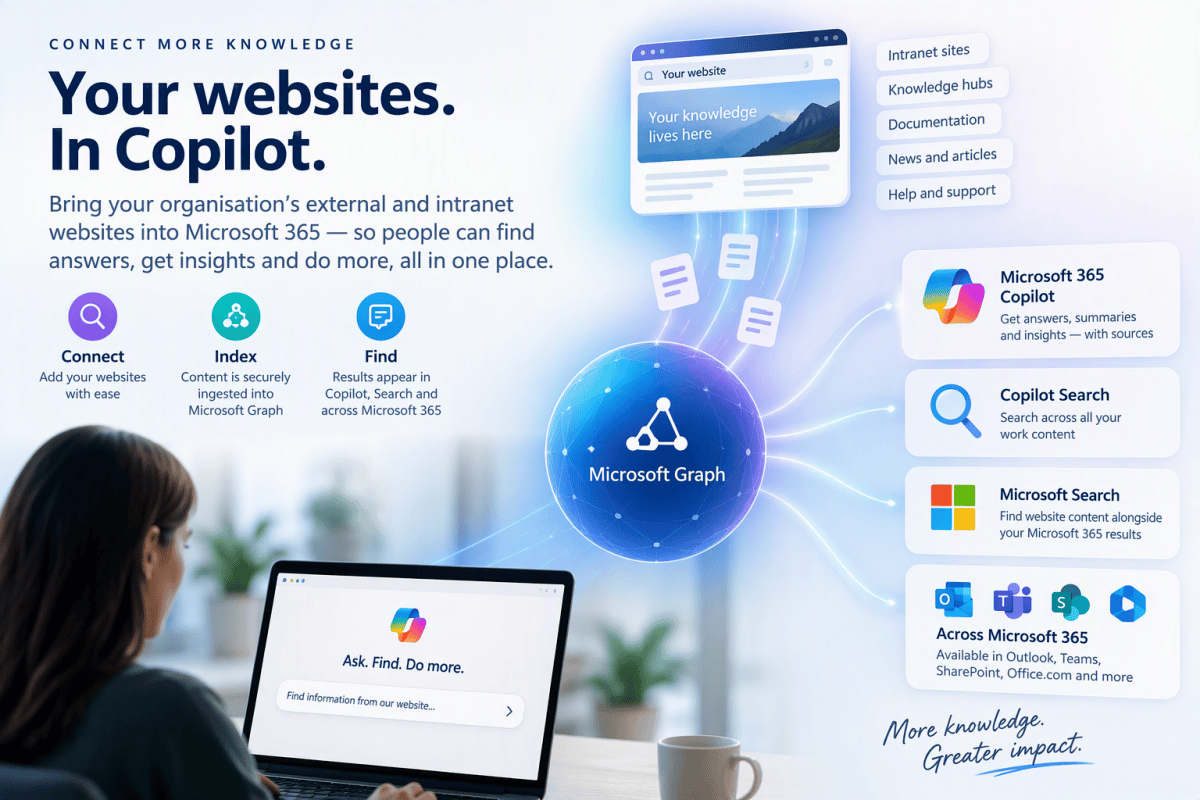
Wouldn’t it be useful to pull knowledge from selected external sites directly into Copilot alongside your internal knowledge.
Now you can. Sort of…
I tell you how, and why it’s far from perfect.

Artificial intelligence is becoming a core part of daily work across industries. As organisations adopt Microsoft Copilot and other AI-powered tools, a common challenge emerges: how do you enable legitimate professional use of sensitive information while maintaining strong Responsible AI controls?
This offers a practical guide to adjusting the protection when needed.
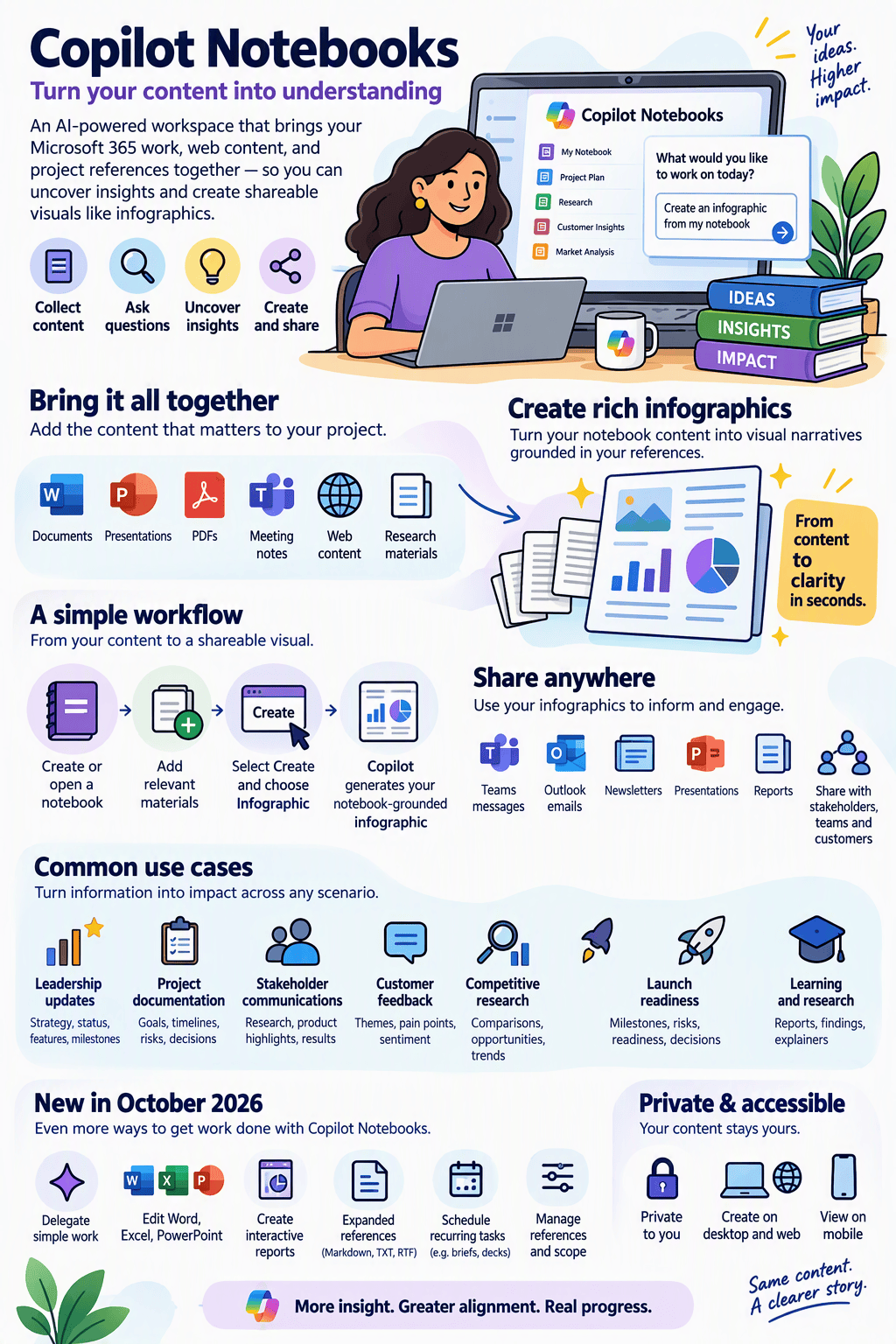
A Good Practice Guide The biggest mistake people make with Copilot Notebooks is treating them as a place to write a report. Or that they are anything like a OneNote notebook page (even though they are available in OneNote). I made both mistakes. The most effective approach is to treat them as a knowledge curation […]
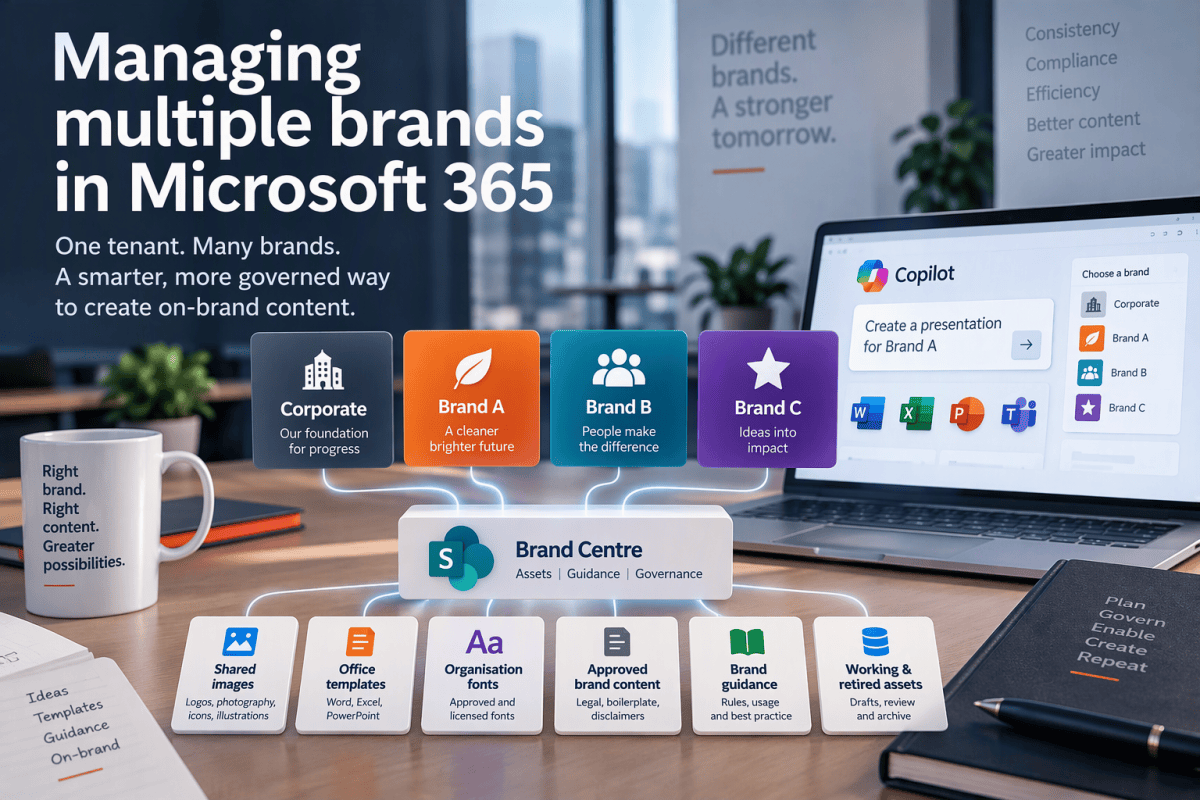
Managing one brand in Microsoft 365 is relatively straightforward. Managing several brands in the same tenant is where the architectural decisions start to matter.

As organisations race to deploy AI agents, digital workers and increasingly autonomous systems, one uncomfortable question is becoming impossible to ignore: How much decision-making should humans ever delegate to machines? This may seem like a new challenge, driven by recent advances in generative AI, agentic systems and digital workers. In reality, the world has already […]

The way we create music matters as much as what we create.
In this lengthy article I consider why AI can be a legitimate creator’s tool, but not at the expense of making music with people.
An unexpected consequence of my exploration of AI use in music is that I have rediscovered my songwriting muse….

Artificial intelligence is being blamed for making experienced workers obsolete. The rather more uncomfortable truth is that rapidly changing industries have always favoured people who can learn quickly, adapt freely and abandon ideas that no longer work. AI has not created that reality. It has merely made it much harder to ignore. There is an […]
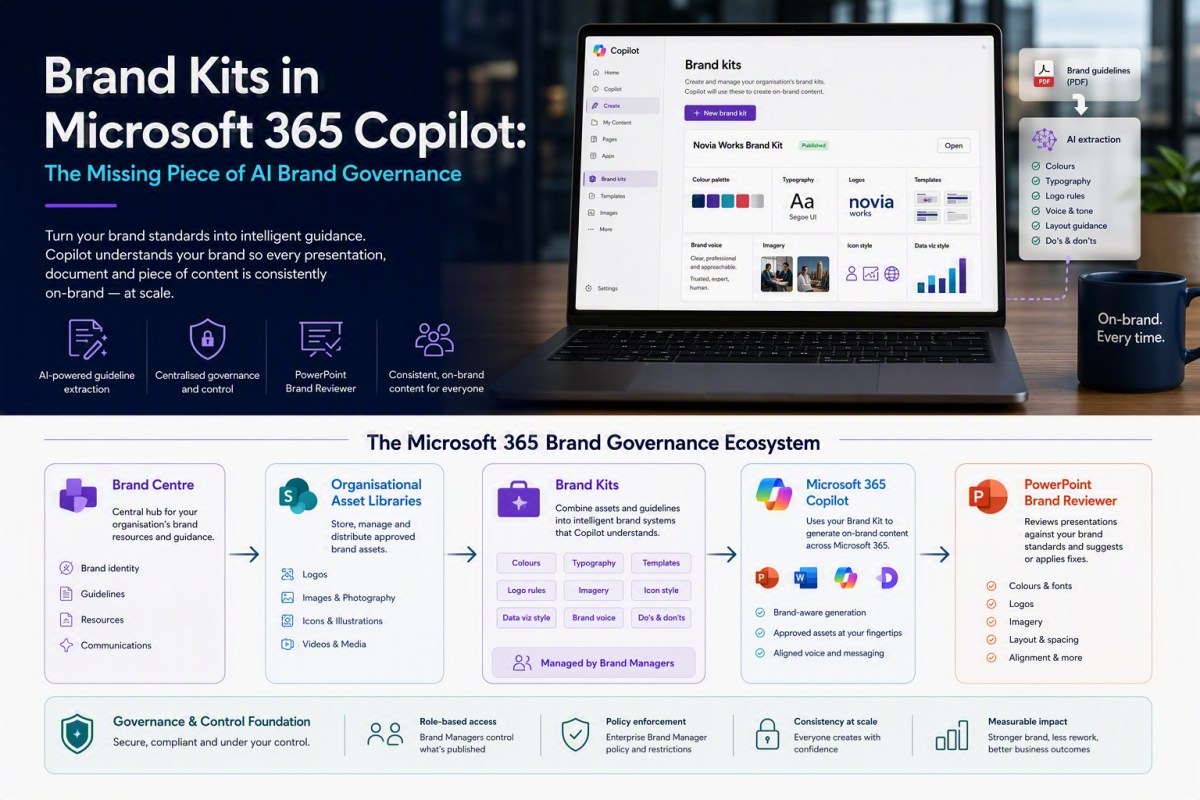
As Microsoft continue to improve their branding story, aided by increasingly useful AI tooling, I revisit the topic and look at the overdue PowerPoint updates
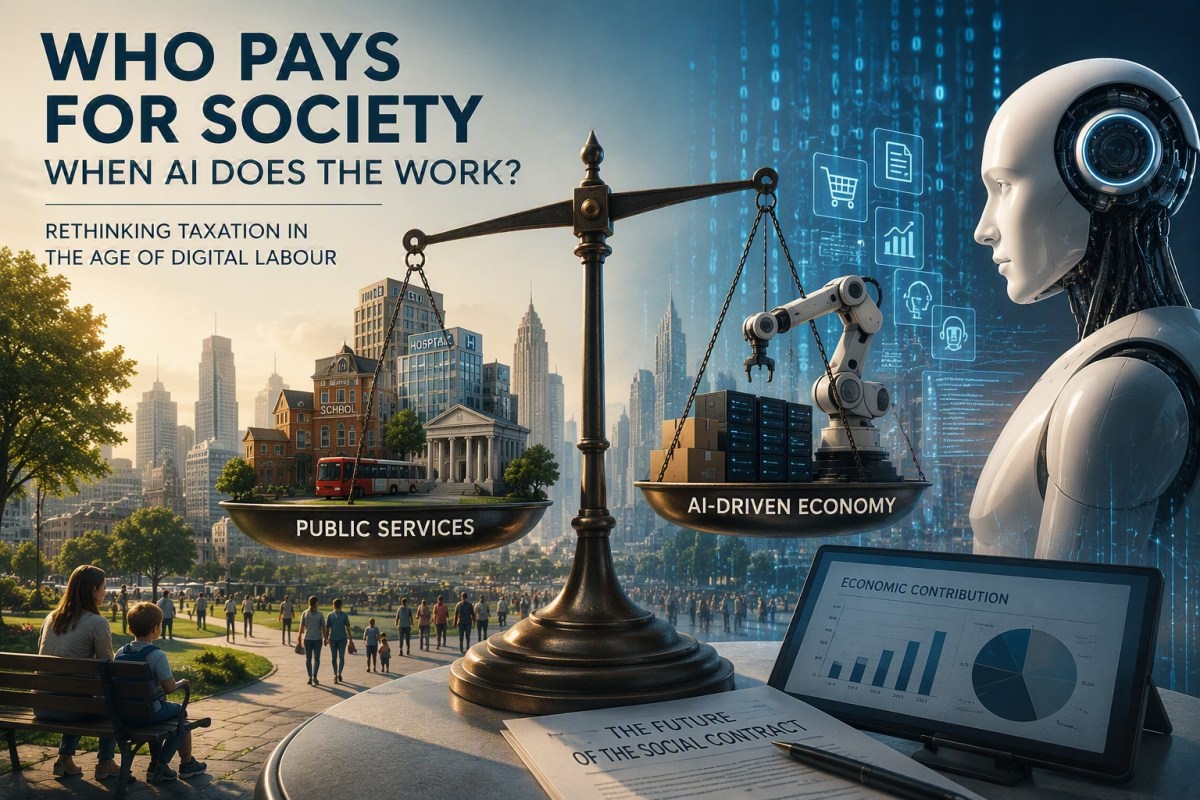
The emergence of agentic AI challenges traditional employment-based taxation systems, risking a decoupling of economic growth from job creation. As automation increases productivity, societies must rethink revenue mechanisms to ensure public institutions are funded. The key lies in redefining the social contract to align prosperity with societal wellbeing, rather than solely relying on employment taxes.
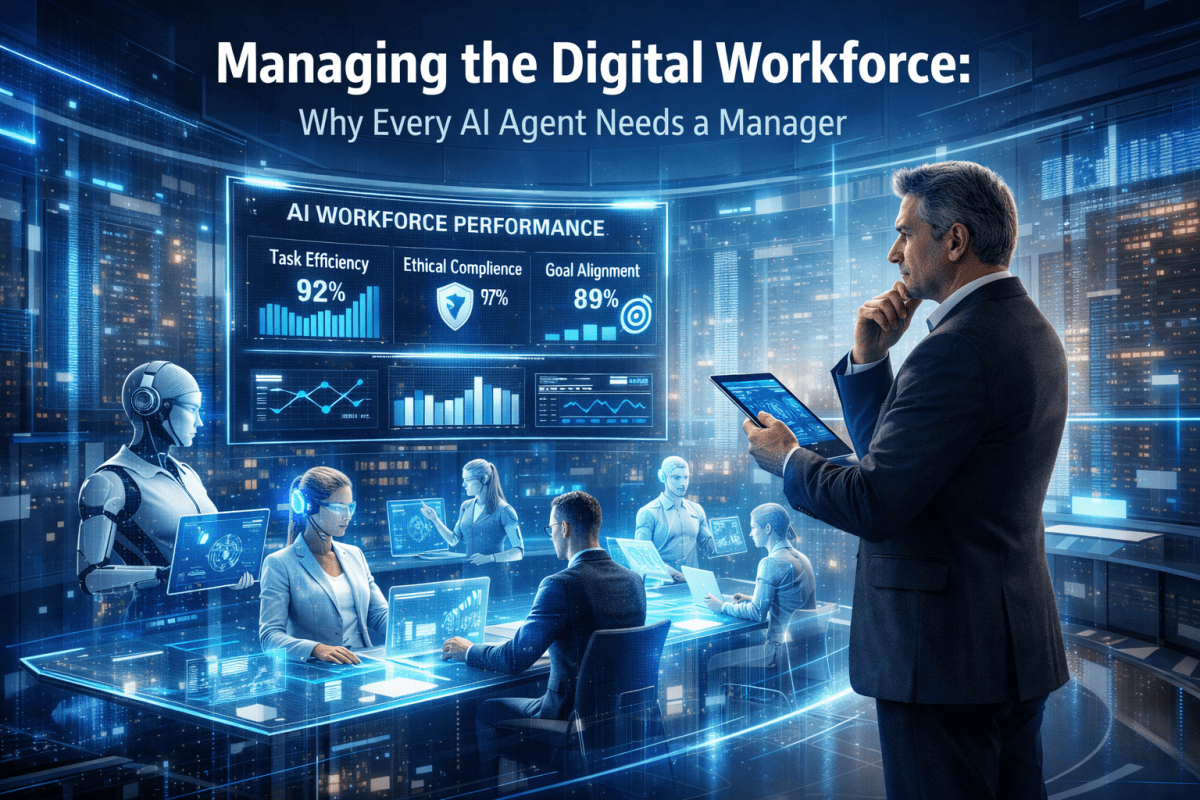
Why Every AI Agent Needs a Manager For most of the modern corporate era, organisations have operated on a simple assumption. People perform work and technology supports them. Human beings make decisions, exercise judgement, take responsibility and are held accountable for outcomes. Systems, applications and software tools provide information, facilitate communication and automate routine tasks, […]

A chance repost by the ever insightful Ami Diamond reminded me that Microsoft has, in its wisdom, ‘centralised’ it’s branding tools in SharePoint Brand Centre and Brand Kit. At first glance this feels like Microsoft creating two products to solve the same problem. In reality they target different audiences and, while there is overlap, they […]

We often want to tell our AI to use a preferred or definitive website as the grounding source for certain types of queries.
It seems like such a simple thing. This is why it isn’t and what to do about it.

