Back in July I wrote an article Can I Ground Copilot in a Preferred Website? The conclusion was pretty much ‘not really’.
I might have been wrong, or Microsoft might have released a new feature. The answer now, is definitely ‘Maybe’
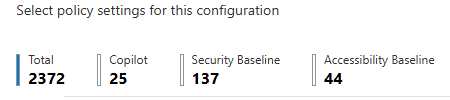
I was trawling all sorts of settings trying to get some new stuff, including the Reduced Protection feature working, when I spotted an innocuous button hidden away amongst the thousands of M365 settings we are expected to understand and configure (2372 in the Microsoft 365 Apps admin center alone). ‘Connect websites’
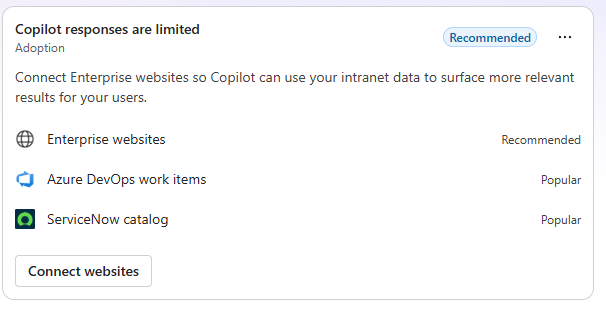
It’s in the M365 admin center on the obliquely named ‘Copilot responses are limited‘ card.
“Connect Enterprise websites so Copilot can use your intranet data to surface more relevant results for your users.” is what it says.
So, I did. And, surprisingly, it does…
I’m part of the core Maturity Model for M365 team, and it would be nice if my Copilot understood the model, both for helping write updates to the competencies etc, but also actually help me run my little consulting practice and advise others on mature businesses.
The MM4M365 stuff is on GitHub, which is quite big. 10⁹ to 10¹⁰ distinct useful/content URLs, let’s call it 3 billion. I don’t think it would be wise to ground my company Copilot in all that.
Thinking it through, I went with https://pnp.github.io/maturity-model/ as my target URL (don’t forget to press Add), MM4M365 as the name to tag results with, then I sensibly turned on Sync only sites in the sitemap and Index only pages under the specific subdirectory. I don’t need to authenticate so left that dropdown as None.
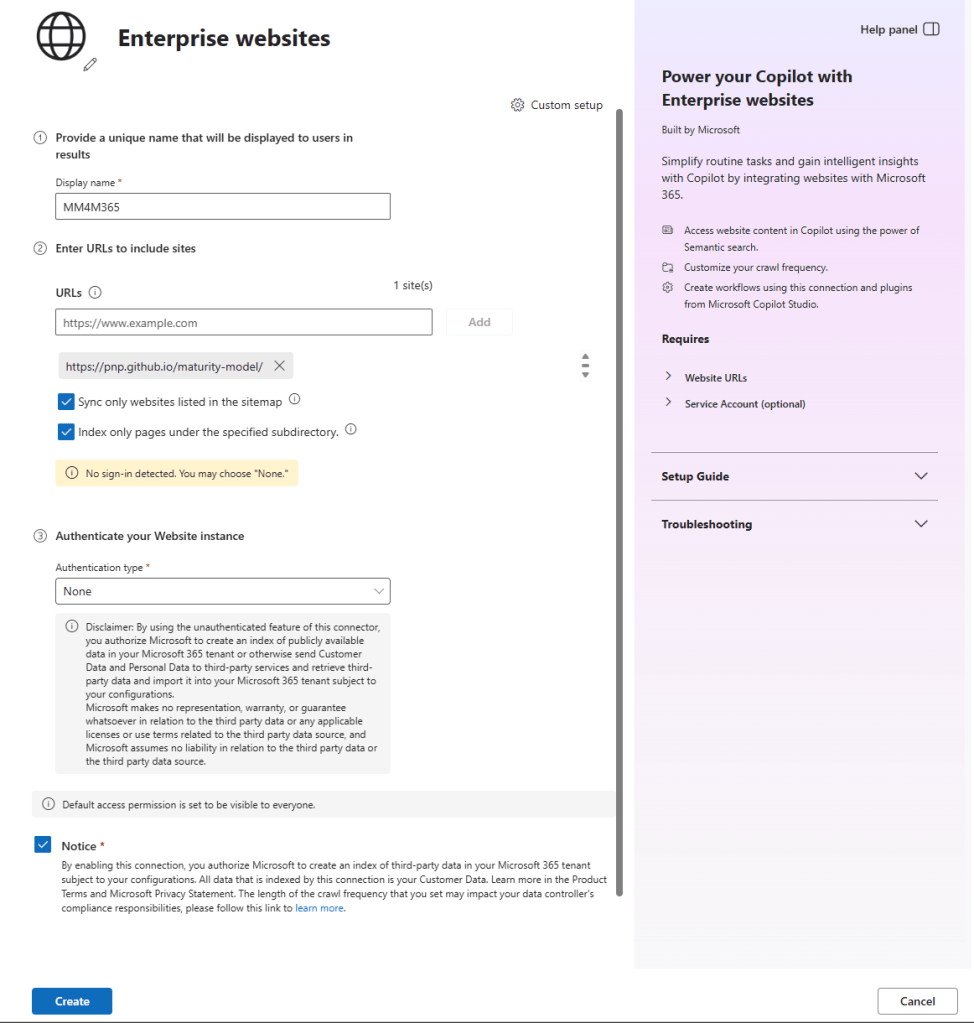
I was curious about the pencil by the globe icon. I clicked it and the world didn’t end, so I guess that was OK. It gave me a URL field, so I decided to create a MM4 M365 icon to add. It has to be 256 pixels maximum. I dropped the suitably sized version into my Logo library in Brand Centre, then grabbed the direct link to the image (open it from the library, press the info icon and use the copy icon).
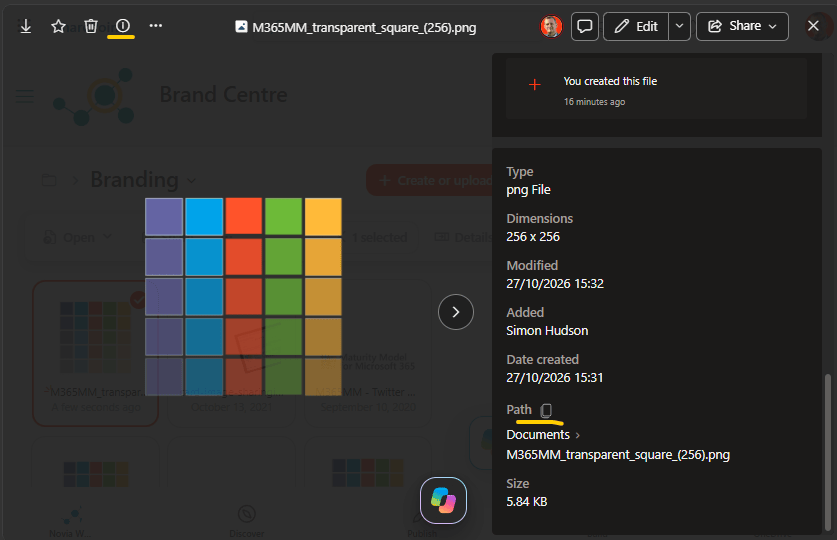
Which gave me this that I could paste into that field https://novia392.sharepoint.com/sites/BrandCentre/AssetLibrary/MM4M365%20Images%20and%20Logos/Branding/M365MM_transparent_square_(256).png
Now it was simply a matter of ticking the authorise checkbox and set it to work (actually I had to set it to Basic and then back to None for the Create button to enable. @Microsoft please note!) by hitting Create. It took a while, during which time I gave it a connector description and made a cup of tea.
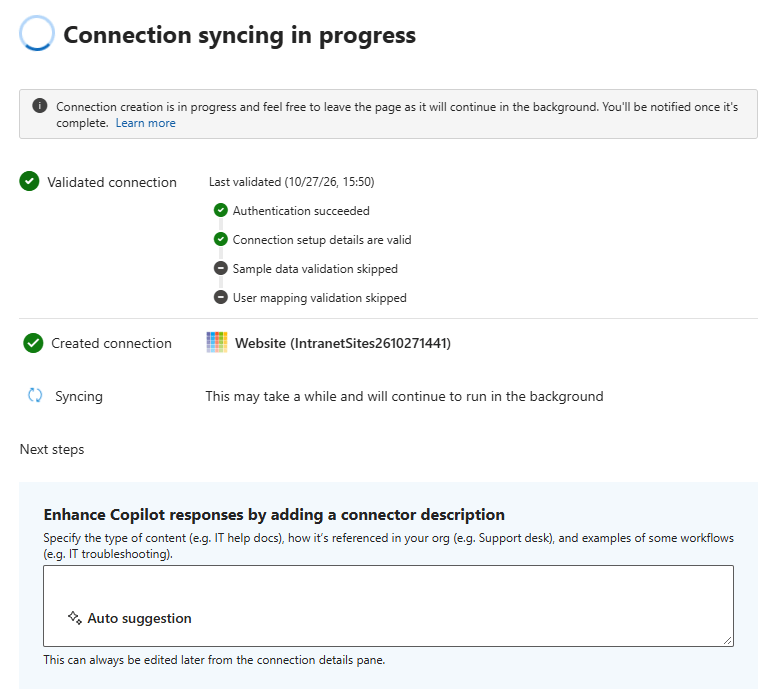
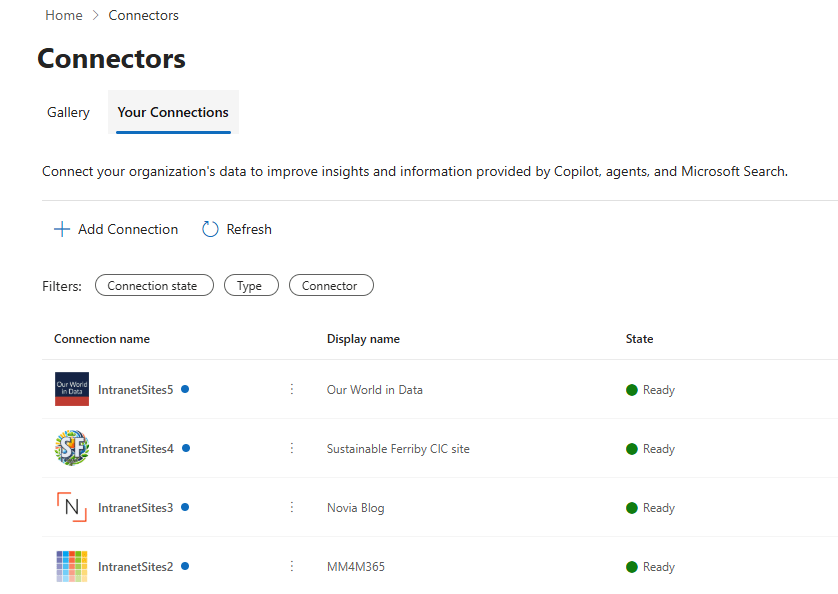
It gets added to https://admin.cloud.microsoft/#/copilot/connectors/add
I may have become slightly carried away at that point, though I did discover that some sites (like the excellent Carbon Brief) block crawlers.
Now what?
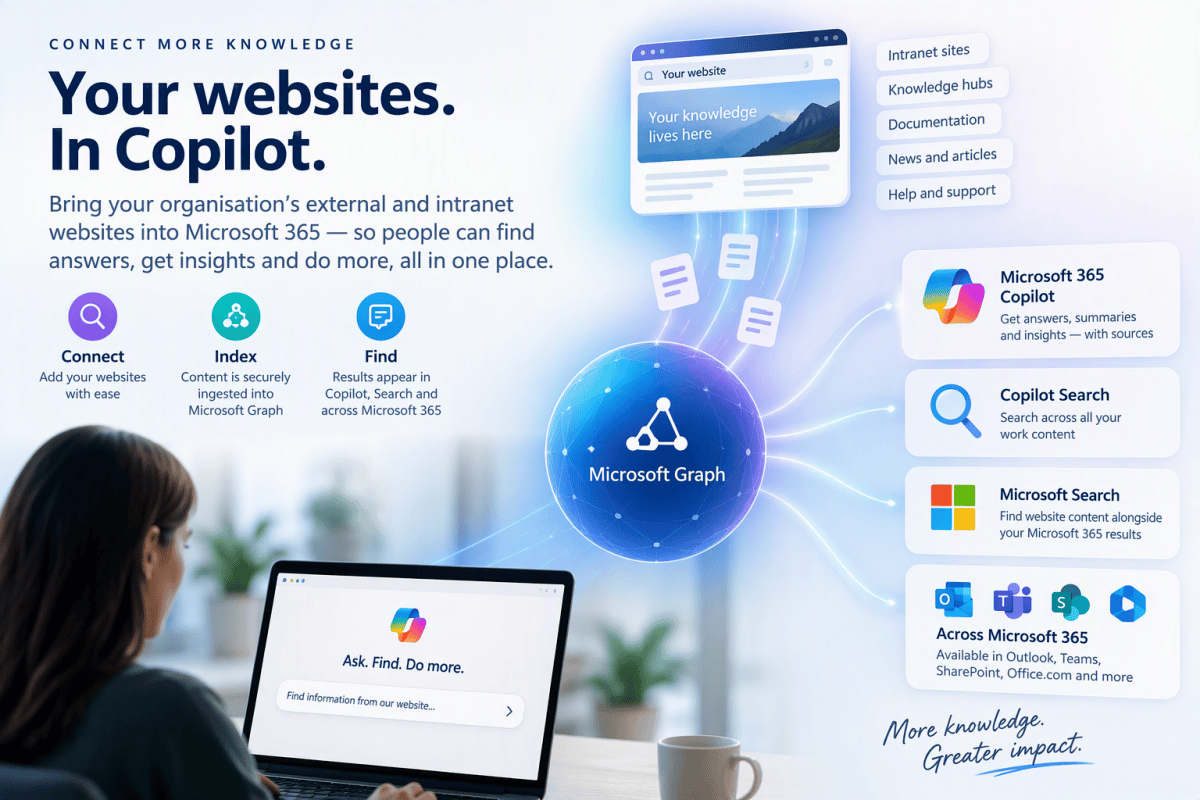
Once indexed, that website content becomes another enterprise knowledge source available to Copilot and search.
Microsoft 365 Copilot Chat
Copilot can retrieve an indexed webpage when it is relevant to the prompt, use its contents when constructing the answer, and provide a citation back to the original external item. Microsoft describes synced connectors as ingesting content into Microsoft Graph, where it is semantically indexed and made available to Copilot. Microsoft 365 Copilot connectors overview
So, for example, now that I have connected the Novia Works site, rather than Copilot merely doing an ordinary Bing web search, it can go straight to my indexed blog if I can ask something along the lines of:
“Find my article about SharePoint maturity and summarise its key recommendations. Include sources.”
And it works, as my sources list shows
Copilot Search
Connector content is also incorporated into Microsoft 365 Copilot Search, alongside things such as emails, files, chats, meetings and other connected systems. Microsoft calls this a “universal search” across Microsoft 365 and connected sources.
Microsoft Search
Connector results can appear in the All search vertical alongside SharePoint, OneDrive and other Microsoft 365 results. By default, connector results can be merged inline and ranked according to relevance rather than being put into a separate “websites” bucket. https://learn.microsoft.com/en-us/microsoftsearch/manage-connector-results-in-all-vertical
And more
Microsoft also documents connector content appearing through Microsoft Search experiences across Office.com, SharePoint, Outlook, Teams and Bing when signed in with the work account. https://learn.microsoft.com/en-us/microsoft-365-copilot/connectors/overview
It’s not perfect
It does work, but note that it isn’t nearly as smart about external content as stuff natively in the M365 Graph. I guess it doesn’t have all the connections and context, so guesses a lot of things and can’t access other stuff. However, it’s still a bit flaky in general. In fact, this is what Copilot has to say about it:
The important distinction is: configured Enterprise Website ≠ page returned by a connector search. The tool available to me is a content search interface over the Enterprise Websites connector. It isn’t exposing the connector’s configuration to me, so I cannot ask it something equivalent to: “List every root URL configured in this Enterprise Websites connection.” Consequently, if you have configured:
- Novia Works
- Sustainable Ferriby
- Microsoft 365 Maturity Model
- Our World in Data
…I won’t necessarily discover all four simply by issuing an empty search. More importantly, the search we’ve just done suggests a second issue worth investigating: I cannot currently demonstrate that MM4M365 or Our World in Data content is actually being returned, despite searches that ought to discriminate them reasonably well.
Conclusion
The obvious conclusion is that I was wrong in my previous article. I’ll accept that.
On the other hand there are now some ways of encouraging Copilot to search your preferred content, even if it’s stored externally. That’s good enough news that I’ll take the hit. I just wish it was:
- More robust
- Let us explicitly select sources
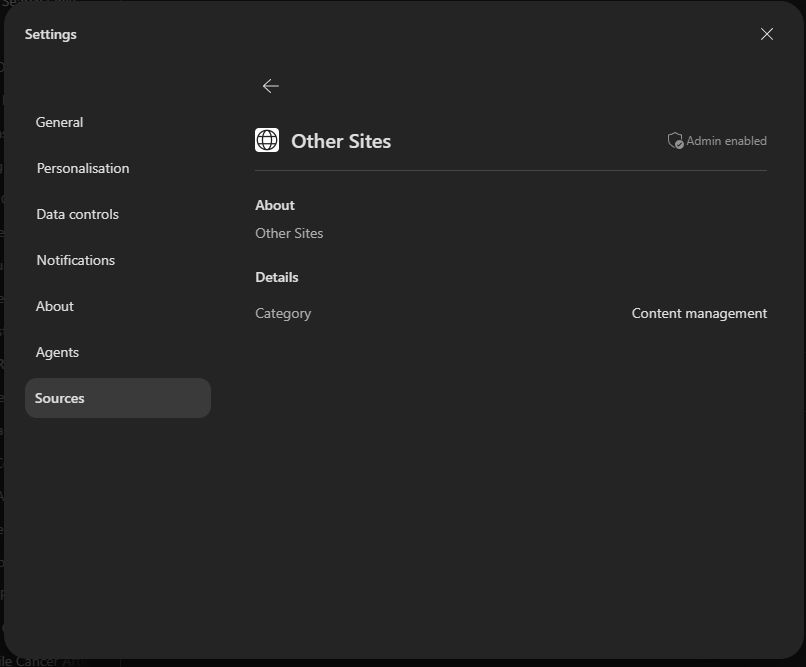
- Displayed the set up sources in the Other Sites section in Copilot settings