First steps: enabling skill.md capabilities in SharePoint, installing your first skills and where to use them.

 Novia Works Ltd
First steps: enabling skill.md capabilities in SharePoint, installing your first skills and where to use them.
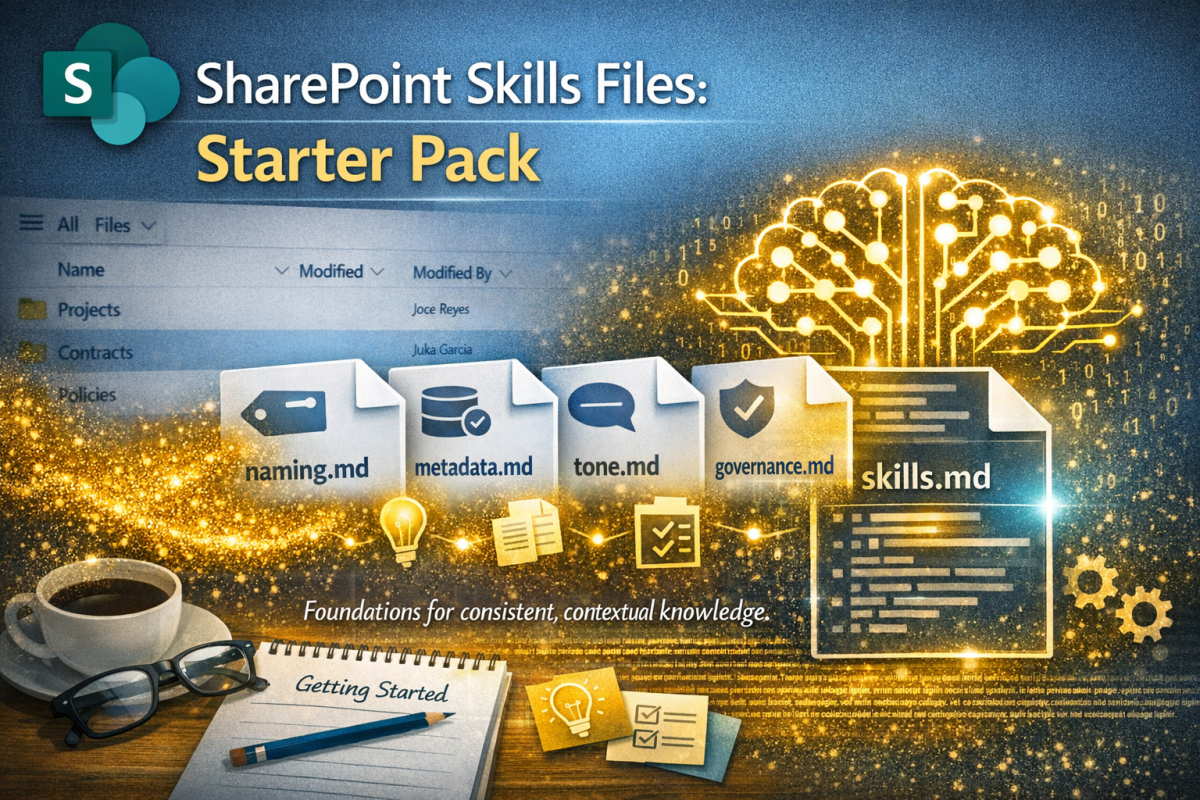
Having already published an introductory article on the upcoming #SkillsFiles feature in #SharePoint (and how they will provide context for #AI to drive #governance, #process and #content management) I felt a need to provide some practical tools. Hence this starter pack.
SharePoint is getting Skills Files – markdown instructions that tell AI how your organisation works. From a KM perspective, this is gold dust: consistent, contextual, and a practical way to encode organisational meta-knowledge. Let’s dive deeper…

Add shortcut to OneDrive seems like such a nice idea; a useful alternative to the oft-maligned Sync function for those needing desktop access to their files.
But all is not well in Wonderland

To build a great content management solution in SharePoint you should use Content Types. Simon Hudson and Mats Warnolf tell you how and why.

AI has become great at many things; it can even transform terrible handwriting into typewritten text. I share the journey of discovery from scrawl to near perfect transcription.

This blog describes a method for separating ‘proper’ templates from ‘kind-of’ templates in SharePoint libraries, using the file extension and some nifty column formatting courtesy of Microsoft Copilot.

You want to open PDFs into Acrobat so you can sign them, add comments etc.
Your browser wants to open them in its PDF viewer which can’t do that.
This blog tells you how to be the victor in this mighty battle.

Intranets should be engaging as well as functional; it’s often useful for them to have a personality and a name that resonates. Picking a name needs some thought. This blog should help with that.

If you want your dates to be regionally approproiate, don’t expect the Regional settings in Microsoft 365 to help that much. Some things aren’t as friendly as they appear…

The Maturity Model for Microsoft 365 is a set of guides and tools to let companies improve productivity, assurance and effectiveness.

As the Microsoft 365 (M365) suite gets inexorably broader and more capable there are increasing amounts of overlap between some elements, such as file storage and collaboration. This article discusses where and how to use OneDrive for Business in the mix.

