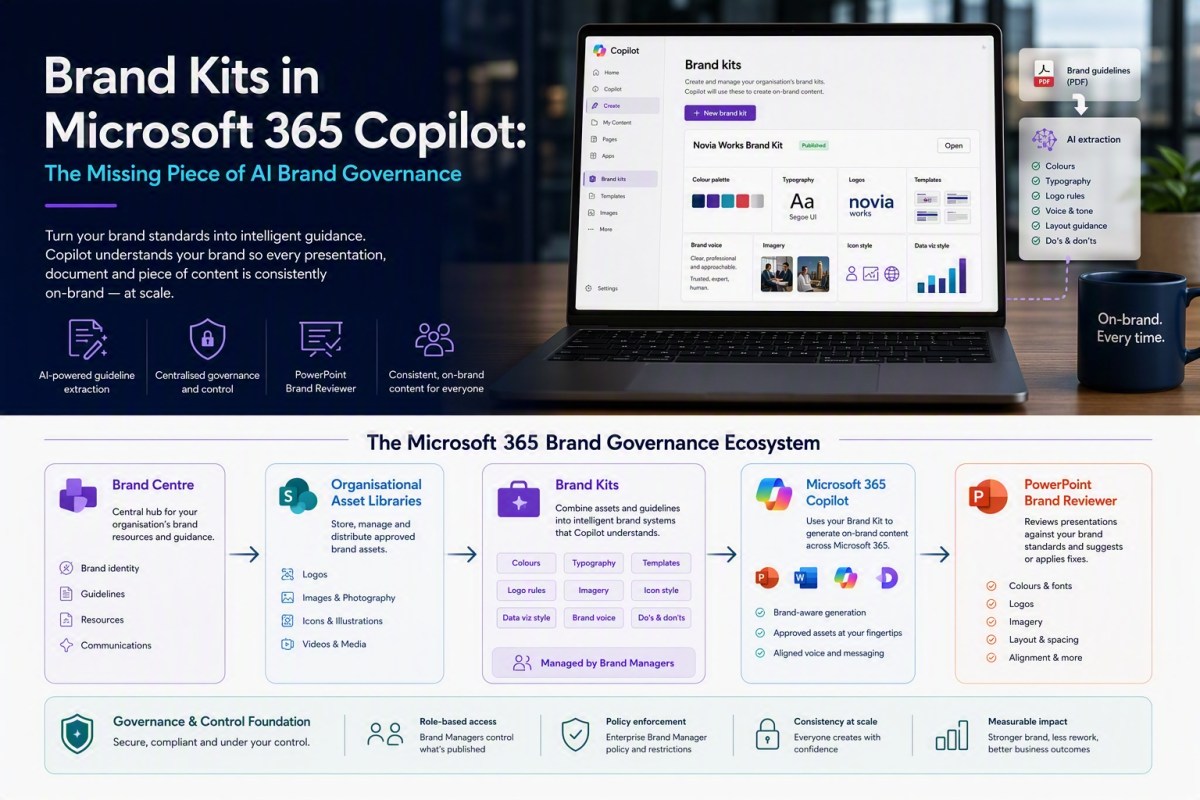
As Microsoft continue to improve their branding story, aided by increasingly useful AI tooling, I revisit the topic and look at the overdue PowerPoint updates
 Novia Works Ltd
Simon Hudson is an entrepreneur and health sector specialist. He formed Cloud2 in 2008 following a rich career in the international medical device industry and the IT industry. Simon’s background encompasses quality assurance, medical device development, international training, business intelligence and international marketing and health related information and technology.
Simon’s career has spanned both the UK and the international health industry, with roles that have included quality system auditing, medical device development, international training (advanced wound management) and international marketing. In 2000 he co-founded a software-based Clinical Outcomes measurement start-up in the US. Upon joining ioko in 2004 he created the Carelink division and, as General Manager, drove it to become a multi-million pound business in its own right.
In 2008, Simon founded Cloud2 in response to a need for a new way of delivering successful projects based on Microsoft SharePoint. This created the first commercial ‘Intranet in a Box’ solution and kickstarted a new industry. He exited that business in 2019, which has continued to grow as a leading provider of Power BI and analytics solutions.
In 2016, he co-founded Kinata Ltd. to enable effective Advice and Guidance in the NHS and is currently guiding the business beyond its NHS roots to address needs in Her Majesty’s Prisons and in Australasia.
In 2021, Simon founded Novia Works Ltd.
In 2021 he was invited to become Entrepreneur in Residence at the University of Hull.
In 2022 he was recognised as a Microsoft MVP.
In 2025 he founded Sustainable Ferriby CIC, a community energy not-for-profit to develop energy generation, energy & carbon reduction, and broader sustainability & NetZero projects in the West Hull villages.
Simon has had articles and editorials published in a variety of technology, knowledge management, clinical benchmarking and health journals, including being a regular contributor to PC Pro, as well as a presenter at conferences. He publishes a blog on areas of interest at noviaworks.co.uk. He is a co-facilitator of the M365 North User Group. He is a lead author and facilitator on the Maturity Model for Microsoft 365. He is the author of two patents relating to medical devices. He holds a BSc (Hons) in Physical Science and a PGCE in Physics and Chemistry from the University of Hull.
Simon is passionate about rather too many things, including science, music (he plays guitar and octave mandola), skiing, classic cars, narrowboats, the health sector, sustainability, information technology and, by no means least, his family.
As Microsoft continue to improve their branding story, aided by increasingly useful AI tooling, I revisit the topic and look at the overdue PowerPoint updates
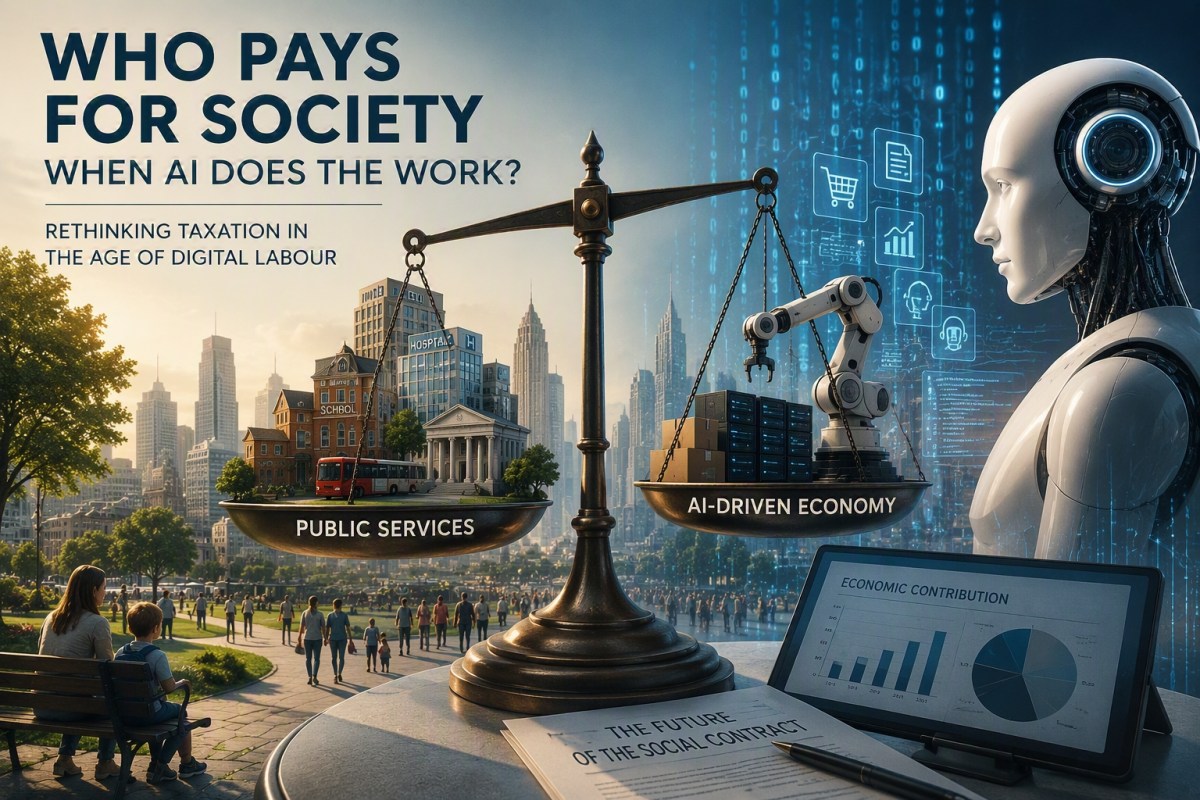
The emergence of agentic AI challenges traditional employment-based taxation systems, risking a decoupling of economic growth from job creation. As automation increases productivity, societies must rethink revenue mechanisms to ensure public institutions are funded. The key lies in redefining the social contract to align prosperity with societal wellbeing, rather than solely relying on employment taxes.
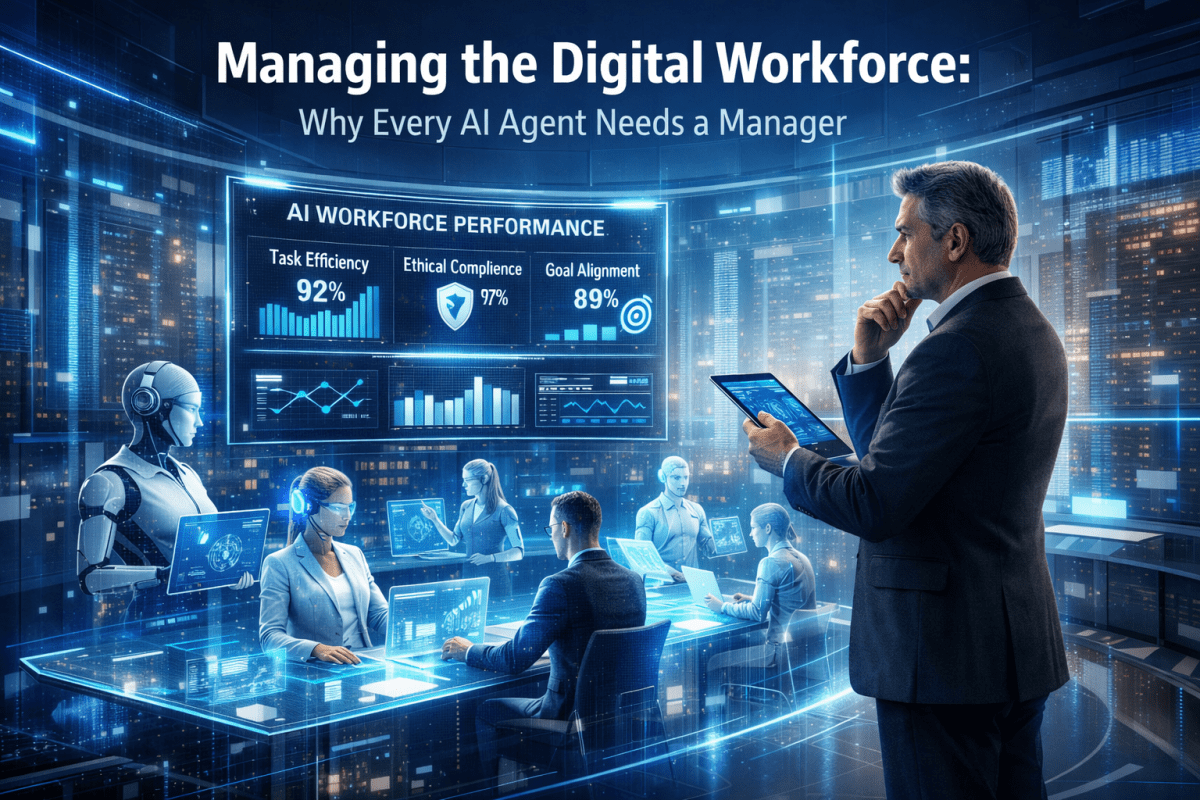
Why Every AI Agent Needs a Manager For most of the modern corporate era, organisations have operated on a simple assumption. People perform work and technology supports them. Human beings make decisions, exercise judgement, take responsibility and are held accountable for outcomes. Systems, applications and software tools provide information, facilitate communication and automate routine tasks, […]
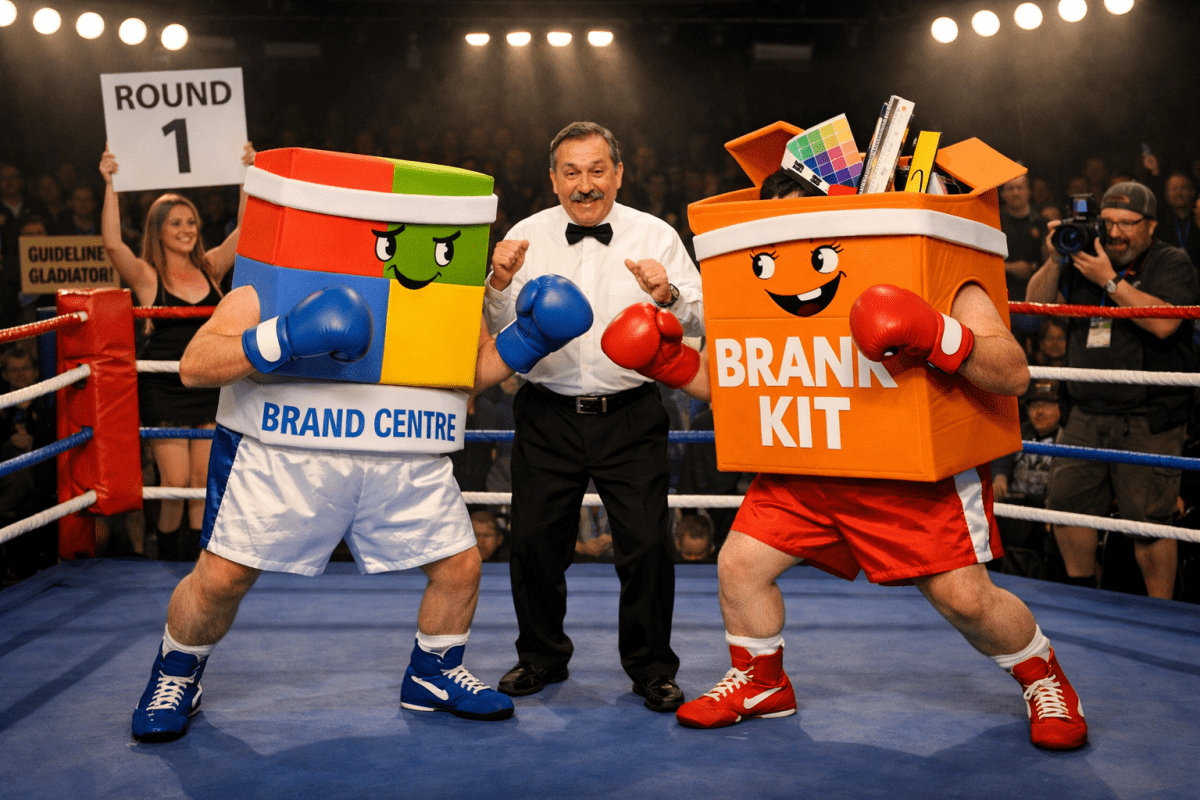
A chance repost by the ever insightful Ami Diamond reminded me that Microsoft has, in its wisdom, ‘centralised’ it’s branding tools in SharePoint Brand Centre and Brand Kit. At first glance this feels like Microsoft creating two products to solve the same problem. In reality they target different audiences and, while there is overlap, they […]

We often want to tell our AI to use a preferred or definitive website as the grounding source for certain types of queries.
It seems like such a simple thing. This is why it isn’t and what to do about it.

A beginner’s guide to skills in Microsoft 365 Copilot: what they are, where they live (SharePoint, OneDrive, Copilot Chat), who can use them, how to install your first ones and how to govern them. Updated November 2026.
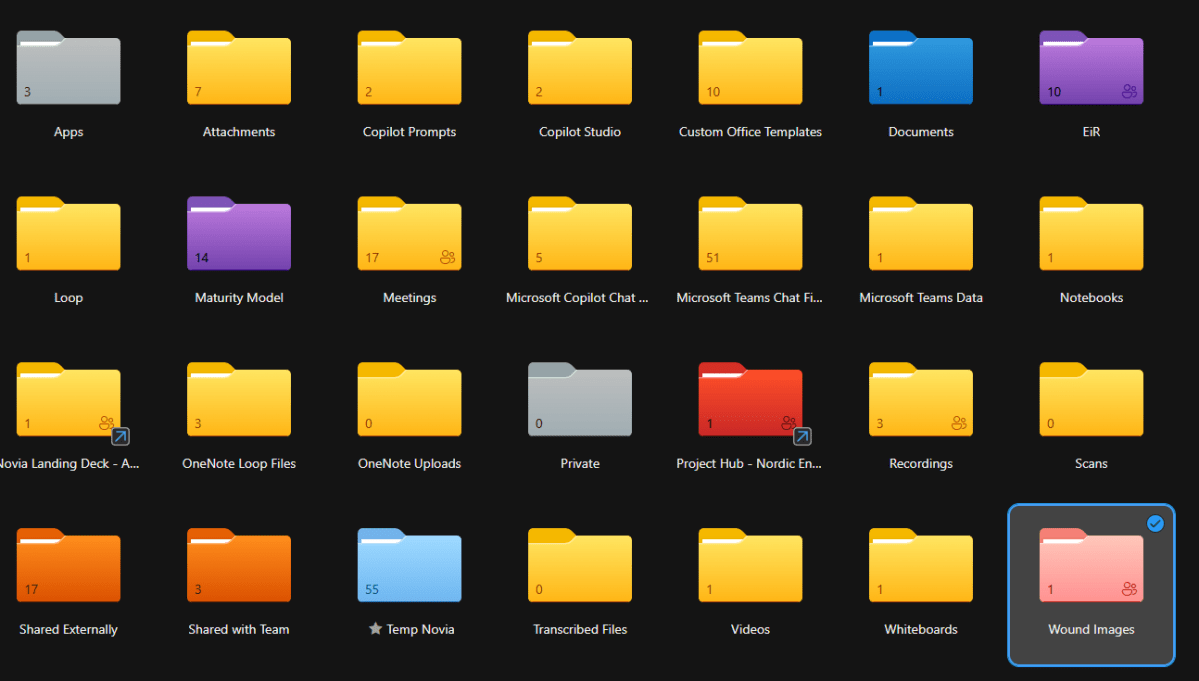
Ever wondered why you can set the colour of some folders in OneDrive and SharePoint, but not others. Here’s the answer…
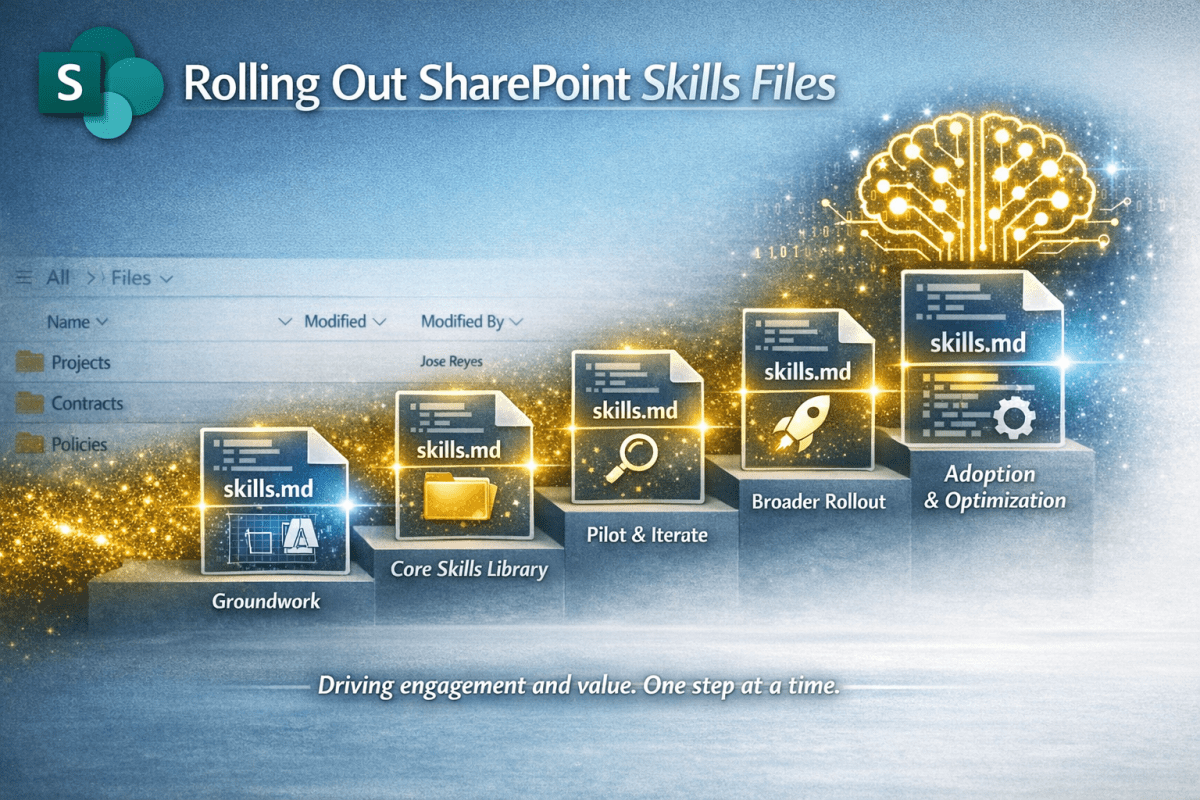
A practical, phased plan for rolling out SharePoint skills in a real organisation: ownership, audit, building, piloting, scaling and sustaining. Updated November 2026 now that skills are available.
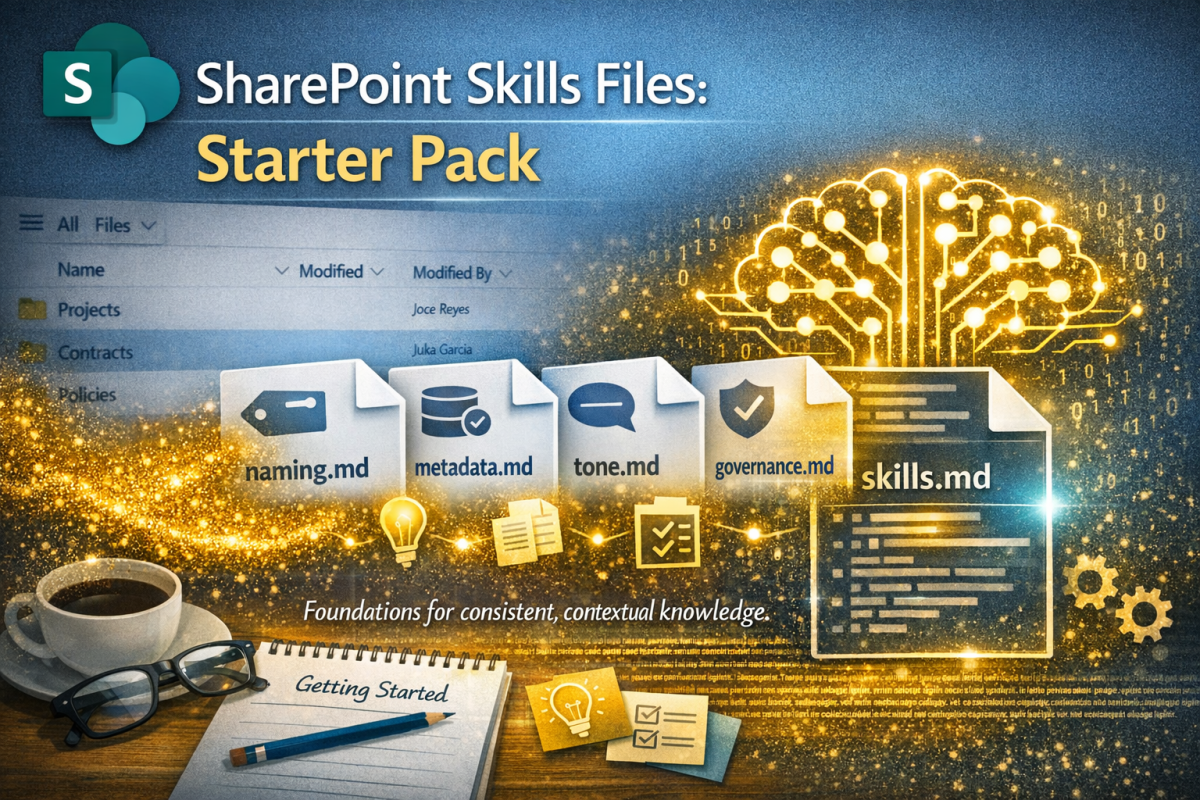
A practical starter pack for SharePoint skills: which global, departmental and library-level skills to create, with copy-ready SKILL.md templates. Updated November 2026 to match the released feature.
SharePoint now has Skills Files: markdown instructions that tell Copilot how your organisation works. I predicted it in March; this updated version compares my guesses with what actually shipped, and what it means for knowledge management.
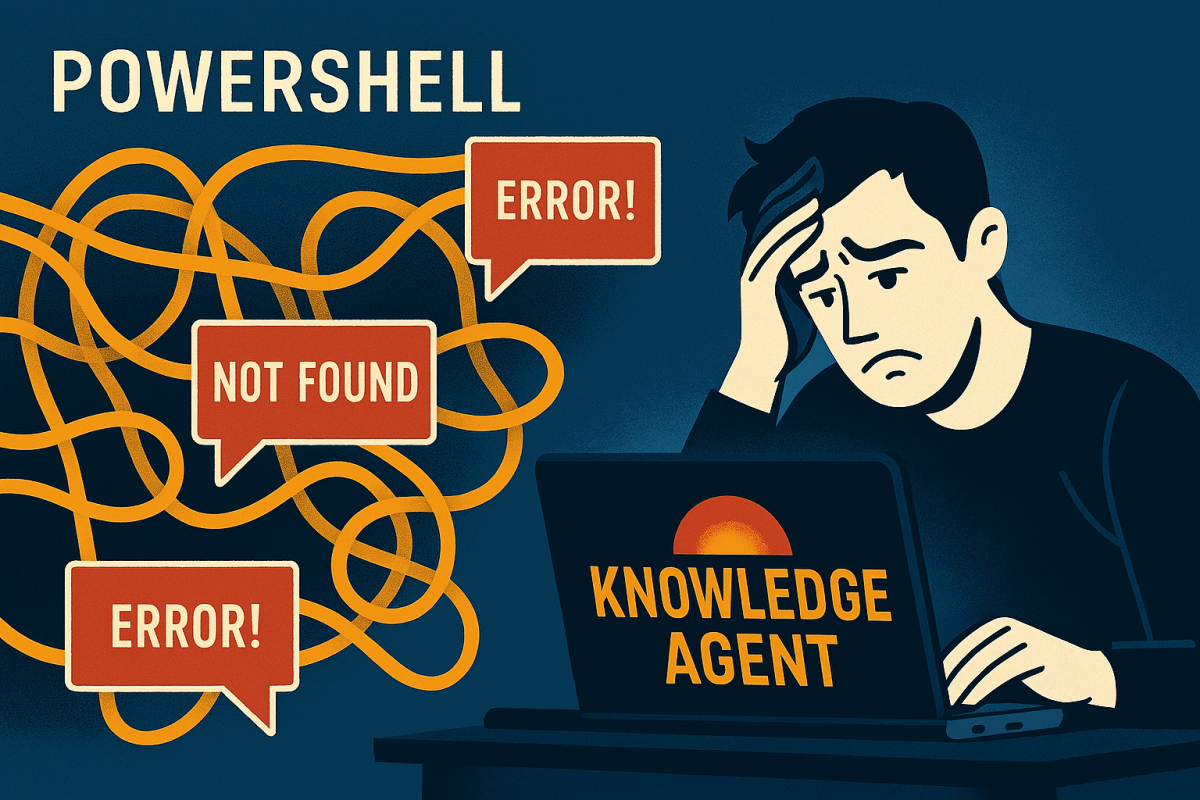
Microsoft’s Knowledge Agent rollout promises smarter content discovery across SharePoint. But for many SharePoint admins, the setup hits unexpected snags, especially if you’re strong in SharePoint but less familiar with PowerShell’s quirks. It would be handy to know where the troubles are and how to work around them.

