
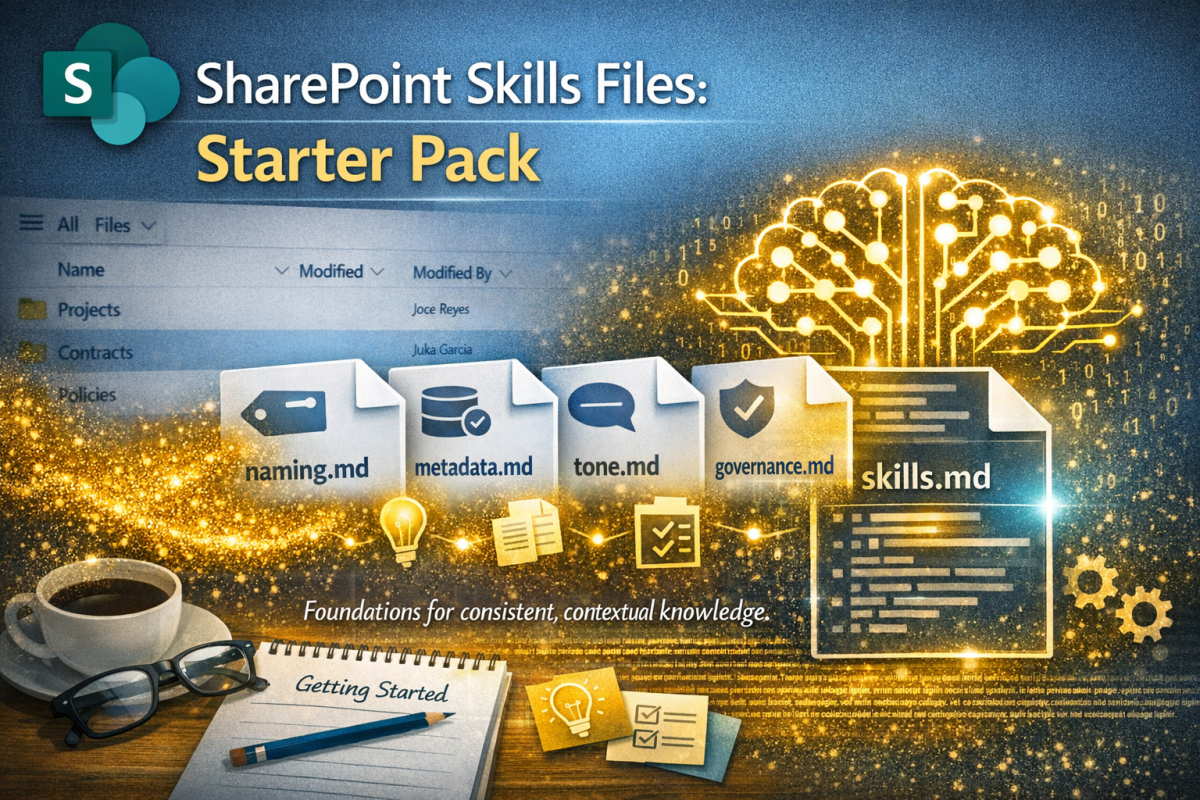
I recently published an article on the forthcoming Skills Files in SharePoint. To recap, Skills Files are one of those features that look modest at first glance but end up reshaping how organisations work. They give us a way to encode the norms, expectations and working patterns that usually live in people’s heads as tacit knowledge but now can surface them to make them available in a digestible format to AI in SharePoint or Copilot.
In my earlier article there is a short section on getting ready for them becoming available (spring 2026). This starter pack is designed to further help organisations take those first steps and start designing their Skills Files assets and policies. It’s not especially complicated but does require thinking and experimentation. The value comes from being explicit about how you work and giving the AI a stable foundation to build on. The main headings are the scope with subheadings being the proposed .md files at each level.
Note that this is all pre-emptive. The feature isn’t released yet. In other words, I’m guessing. Hopefully it’s a good guess and enough to steer organisations on the right path.
1. Global Skills Files (Organisation‑wide)
These are the files that will apply everywhere. They set the tone and the rules that all other Skills Files build on.
naming.md
Purpose: Establish a consistent naming convention across the organisation. Naming is the first step in findability. If you don’t get this right, everything else becomes harder.
Include:
- date formats
- versioning rules
- project codes
- document type prefixes
- examples of good and bad filenames
metadata.md
Purpose: Define the metadata that matters and how it should be applied. Metadata is the backbone of search, governance and automation. Skills Files can enforce it, but only if you define it clearly.
Include:
- required metadata fields
- controlled vocabularies
- when to use each field
- examples of correct tagging
tone.md
Purpose: Describe the organisation’s writing style. AI is good at writing. It’s even better when it knows how you write.
Include:
- voice and tone guidelines
- preferred terminology
- clarity and accessibility expectations
- examples of “our style” vs “not our style”
governance.md
Purpose: Explain the rules that apply everywhere. Governance is only useful when it’s applied consistently. Skills Files give you a way to embed it directly into the workflow.
Include:
- retention expectations
- sensitivity labels
- approval patterns
- when to escalate
- what the AI must never do
2. Departmental Skills Files (Functional norms)
These reflect how different parts of the organisation work. They sit beneath the global rules but above local nuance. They capture the patterns that define how each function works. Without them, AI defaults to generic behaviour, and generic behaviour rarely fits.
legal/contracts.md
Include:
- standard contract structure
- clause ordering
- naming rules for contract types
- how to classify incoming documents
- what “complete” looks like
marketing/brand-voice.md
Include:
- brand tone
- messaging principles
- formatting expectations
- examples of approved copy
hr/policies.md
Include:
- policy structure
- versioning rules
- approval workflow
- how to summarise policies for staff
operations/project-structure.md
Include:
- standard project folder structure
- document templates
- reporting cadence
- how to handle project closure
3. Local Skills Files (Library‑specific behaviour)
These are the most targeted and the most powerful. They describe what should happen in this specific place. This is where Copilot becomes genuinely useful. It stops guessing and starts behaving like someone who understands the purpose of the library.
projects/project-behaviour.md
Include:
- what to do when a new project starts
- how to classify documents
- which templates to use
- how to summarise meeting notes
- how to extract actions
contracts/contract-filing.md
Include:
- how to detect contract type
- which metadata to apply
- how to handle amendments
- how to generate a summary
policies/policy-lifecycle.md
Include:
- how to identify policy documents
- how to check for outdated versions
- how to generate a staff‑friendly summary
- how to flag missing approvals
4. Skills File Templates (Copy‑ready)
Below are three templates you can work with.
Template A: Global Skills File
# Purpose This Skills File defines the organisation-wide standards for [topic]. # Principles - Keep things simple. - Prioritise clarity over cleverness. - Apply rules consistently. # Rules 1. [Rule 1] 2. [Rule 2] 3. [Rule 3] # Examples Good: - [Example] Not good: - [Example] # Constraints - Do not override departmental or local rules unless explicitly stated. - Do not invent new terminology.
Template B: Departmental Skills File
# PurposeThis Skills File describes how the [Department] team structures and manages its documents.# StructureAll documents should follow this pattern:1. [Section]2. [Section]3. [Section]# NamingUse the following naming pattern:[Pattern]# MetadataApply:- [Field]: [Values]- [Field]: [Values]# BehaviourWhen a document is uploaded:- [Action]- [Action]# Examples[Provide 2–3 examples]
Template C: Local Skills File
# PurposeThis Skills File defines how Copilot should behave in the [Library Name] library.# When a document is uploaded- Identify the document type.- Apply the correct metadata.- Place it in the appropriate folder.- Generate a summary if relevant.# Document types- [Type]: [Description]- [Type]: [Description]# TemplatesUse the following templates:- [Template name]# Constraints- Do not move documents outside this library.- Do not create new folders unless instructed.
5. Managing Skills Files
A sensible starting point is to have:
- 4–6 global Skills Files
- 2–5 per department
- 1–3 per library
If you end up with dozens, you’ve gone too far. The goal is clarity, not bureaucracy. You also need to think about maintenance; think of them as living documents, not static rules. I suggest Skills Files should be:
- short
- readable
- versioned (SharePoint takes care of that, though you might want to have even more rigour, treating them like code)
- owned by the business
- reviewed quarterly
- updated when processes change
Ensure that you have appropriate governance, which should include approvals and lifecycle management with reviews and updates. They should be tested and refined on a regular basis and link to strategy and current focus and campaigns.
It would be wise to ensure each department, and SharePoint site owner is given training when we know enough to do that.
Next steps
I suggest creating a folder in a couple of well-structured libraries; ones that have clear purpose already. Then grab the formats above, create the initial .md files based on that and try populating them. It will get easier as you go along. Once the. SharePoint feature is released you can test and tweak. And share what you learned. In fact, even better, read the short adoption article here

 Novia Works Ltd
2 replies on “SharePoint Skills Files Starter Pack”
[…] This is all fine and well, but a bit dry. So, in my follow up article, I have published a simple tool kit to get you started […]
[…] Files are one of those features that reward a measured, structured rollout. They’re technically simple to create, but the impact they have depends entirely on the clarity of your information architecture, your […]