
In this short blog I talk about an option to provide signposting within a Teams area to channels and tabs elsewhere in Teams.
Category: Computers and Internet

Keyboard shortcuts are built into Microsoft Teams and, to an extent to SharePoint Online. This is a useful list of them.

The question of whether you need backup when everything is in the cloud continues to prompt debate. The debate continues here. Some light has been shed…

Intranets should be engaging as well as functional; it’s often useful for them to have a personality and a name that resonates. Picking a name needs some thought. This blog should help with that.

When creating a Teams meeting from Outlook you will, at some point, experience the “When the meeting starts, we’ll let people know you’re waiting” message of doom. Learn to avoid it here.

There is no desktop application for SharePoint. However there is a lot of SharePoint loveliness you can do on the desktop, including making a SharePoint site in a browser appear to be a desktop app.

Short thoughts on what Digitialisation means at a personal and business level

If you want your dates to be regionally approproiate, don’t expect the Regional settings in Microsoft 365 to help that much. Some things aren’t as friendly as they appear…
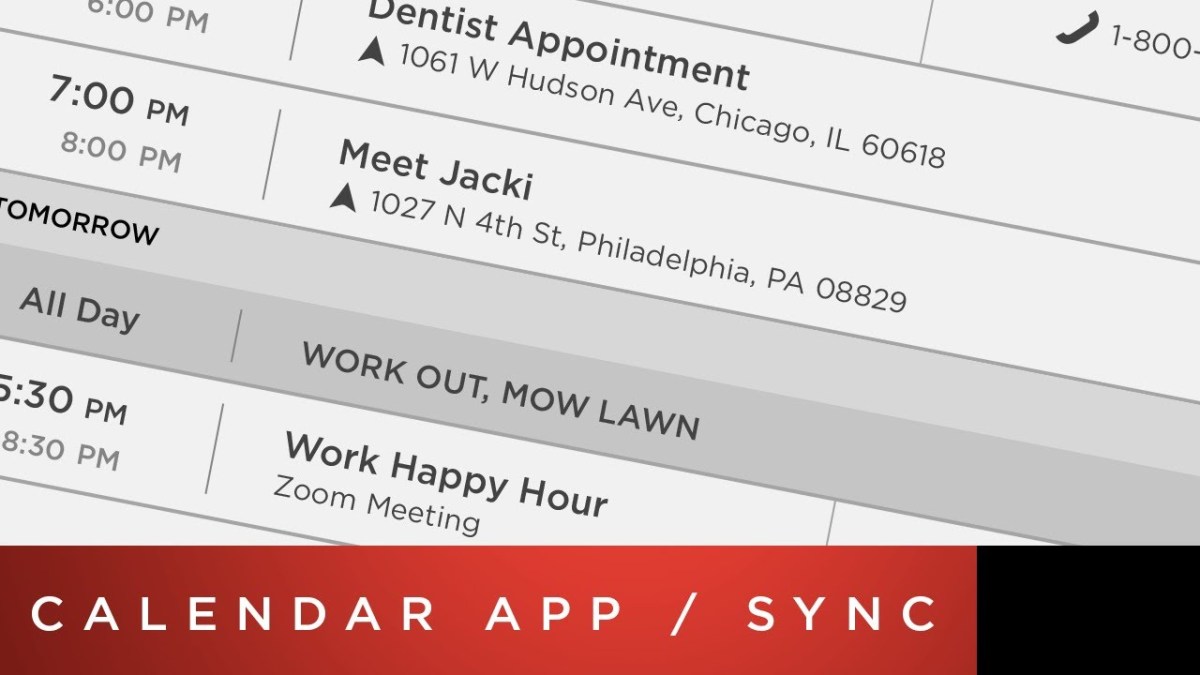
Calendar integration on Tesla cars is a great idea, unless you use Outlook on Android. Here is a workaround

Microsoft has just announced a new Transcription feature in Word. I tested it and found it was good

As the Microsoft 365 (M365) suite gets inexorably broader and more capable there are increasing amounts of overlap between some elements, such as file storage and collaboration. This article discusses where and how to use OneDrive for Business in the mix.

Even better text to voice has quietly appeared. Try it, you might be able to give your eyes a rest.
 Novia Works Ltd