Categories
Best Practice Collaboration Microsoft Microsoft 365 Microsoft Teams Remote Meetings

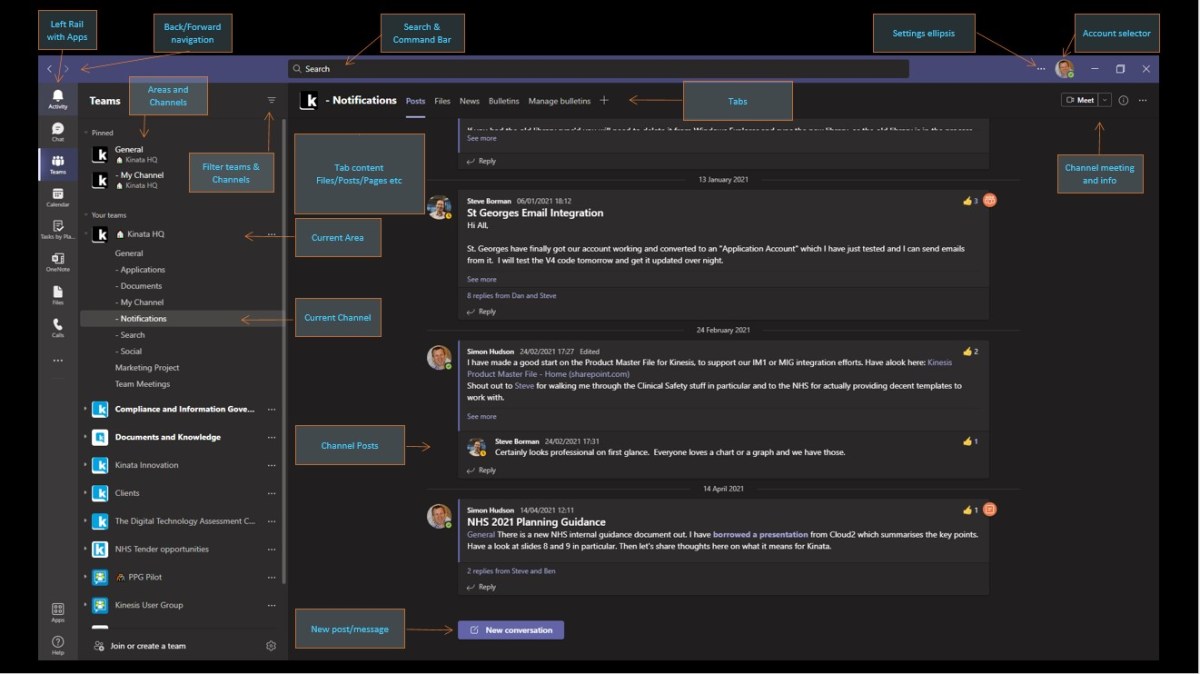
Microsoft Teams Best Practices, Hints & Tips

Over a quarter of a billion people and 1 million organisations use Microsoft Teams. A shinkingly small proportion of those know all the neat tricks and good practices at the front end. Watch this New York City user group session to help fill in the blanks.
Categories
Best Practice Cloud Compliance Microsoft 365

To Backup or Not to Backup? That really is the question.

The question of whether you need backup when everything is in the cloud continues to prompt debate. The debate continues here. Some light has been shed…

Categories
Best Practice Collaboration Identity Microsoft 365 Microsoft Teams Remote Meetings

Message of Doom (aka multi-tenant meeting troubles) in Teams

When creating a Teams meeting from Outlook you will, at some point, experience the “When the meeting starts, we’ll let people know you’re waiting” message of doom. Learn to avoid it here.

Categories
Microsoft Microsoft 365 SharePoint

Why is the “created date” incorrect in a SharePoint List or Library?

If your dates appear to be wrong in SharePoint or Microsoft Lists there is a good chance that you haven’t set the Regional Format and Time Zone for the site and the tenant defaults.
Find out how to fix that.

Categories
Best Practice Business Compliance Improvement Microsoft Microsoft 365 Microsoft Purview

Governance, Risk & Compliance and Microsoft Purview

With Purview, Microsoft have given us a great tool to manage Governance Risk and Compliance. The risk is that some may think that’s the whole story, get a good score and tick off GRC as completed. Not so fast…

Categories
Collaboration Communication Microsoft 365 Microsoft Teams

Which one is reliable, Google Chat or MS Teams?

Is a dedicated chat client better or more reliable than MS Teams. Is that even a sensible question to ask?

Categories
Best Practice Business Collaboration Microsoft 365 Microsoft Teams Remote Meetings

My head hurts less

In Part 1, “My Head Hurts” I discussed why online meetings can be exhausing. In this article I suggest what you can do about it without giving up the benefits of remote working/Work from Home.

Categories
Cloud Intranet Microsoft 365 Microsoft Office Microsoft Teams OneDrive SharePoint

Does SharePoint have a desktop app?

There is no desktop application for SharePoint. However there is a lot of SharePoint loveliness you can do on the desktop, including making a SharePoint site in a browser appear to be a desktop app.

Categories
Azure Best Practice Microsoft Microsoft 365 People SharePoint

Looking at Things in Profile

User Profiles are an increasingly important part of a modern organisation. While they have always been important as a (often underused) tool for finding staff and searching for people with certain skills, the changes in work practice wrought by the COVID-19 pandemic now mean that staff spend less time together physically, so have less opportunity […]

Categories
Microsoft Microsoft 365 Microsoft Office Microsoft Teams OneDrive SharePoint

Why can’t I Sync my Teams Files tab / SharePoint library?

Beware using both library ‘Sync’ and ‘Add a shortcut to OneDrive’ in SharePoint or Teams. It gets messy and things break.

Thankfully, it’s fairly easy to fix once you know what’s going on.

Categories
Browsers Business Cloud Compliance Content management Microsoft Microsoft 365 OneDrive Regionalisation SharePoint UI and UX

Not so Friendly; getting to grips with regional settings in Microsoft 365

If you want your dates to be regionally approproiate, don’t expect the Regional settings in Microsoft 365 to help that much. Some things aren’t as friendly as they appear…

Categories
Microsoft 365 Mobile apps Tesla

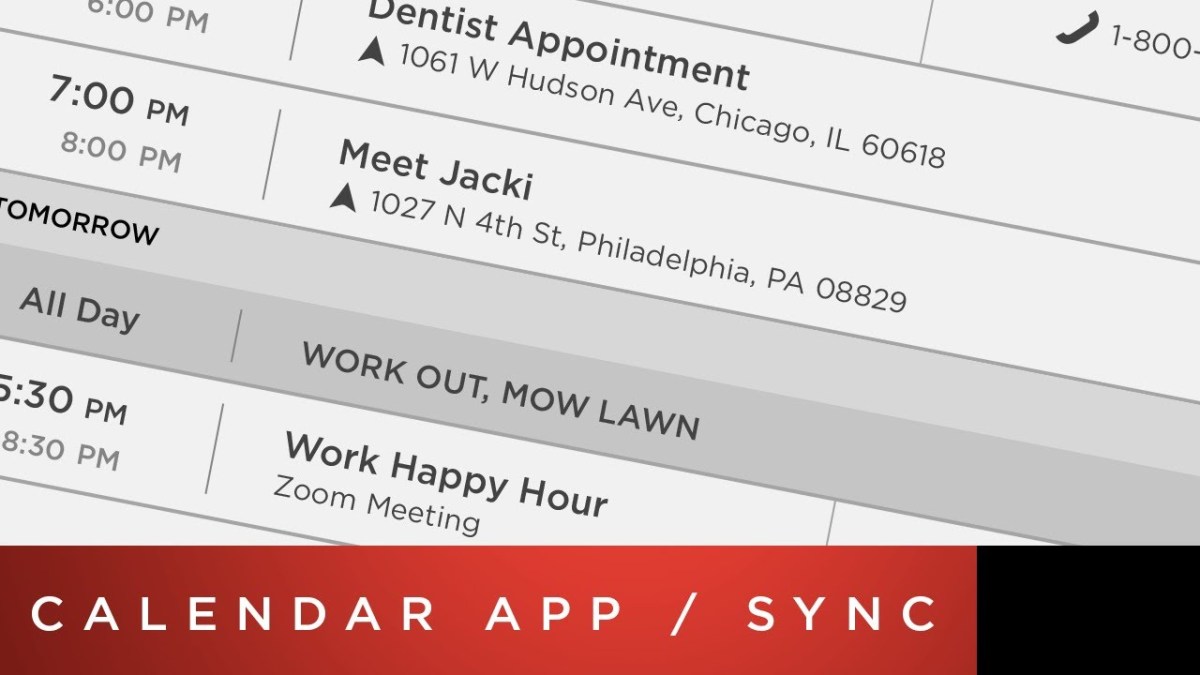
Tesla Calendar sync: Outlook -> Google Calendar -> Tesla

Calendar integration on Tesla cars is a great idea, unless you use Outlook on Android. Here is a workaround