With Purview, Microsoft have given us a great tool to manage Governance Risk and Compliance. The risk is that some may think that’s the whole story, get a good score and tick off GRC as completed. Not so fast…

 Novia Works Ltd
With Purview, Microsoft have given us a great tool to manage Governance Risk and Compliance. The risk is that some may think that’s the whole story, get a good score and tick off GRC as completed. Not so fast…

Is a dedicated chat client better or more reliable than MS Teams. Is that even a sensible question to ask?

In Part 1, “My Head Hurts” I discussed why online meetings can be exhausing. In this article I suggest what you can do about it without giving up the benefits of remote working/Work from Home.

There is no desktop application for SharePoint. However there is a lot of SharePoint loveliness you can do on the desktop, including making a SharePoint site in a browser appear to be a desktop app.

User Profiles are an increasingly important part of a modern organisation. While they have always been important as a (often underused) tool for finding staff and searching for people with certain skills, the changes in work practice wrought by the COVID-19 pandemic now mean that staff spend less time together physically, so have less opportunity […]

Beware using both library ‘Sync’ and ‘Add a shortcut to OneDrive’ in SharePoint or Teams. It gets messy and things break.
Thankfully, it’s fairly easy to fix once you know what’s going on.

If you want your dates to be regionally approproiate, don’t expect the Regional settings in Microsoft 365 to help that much. Some things aren’t as friendly as they appear…
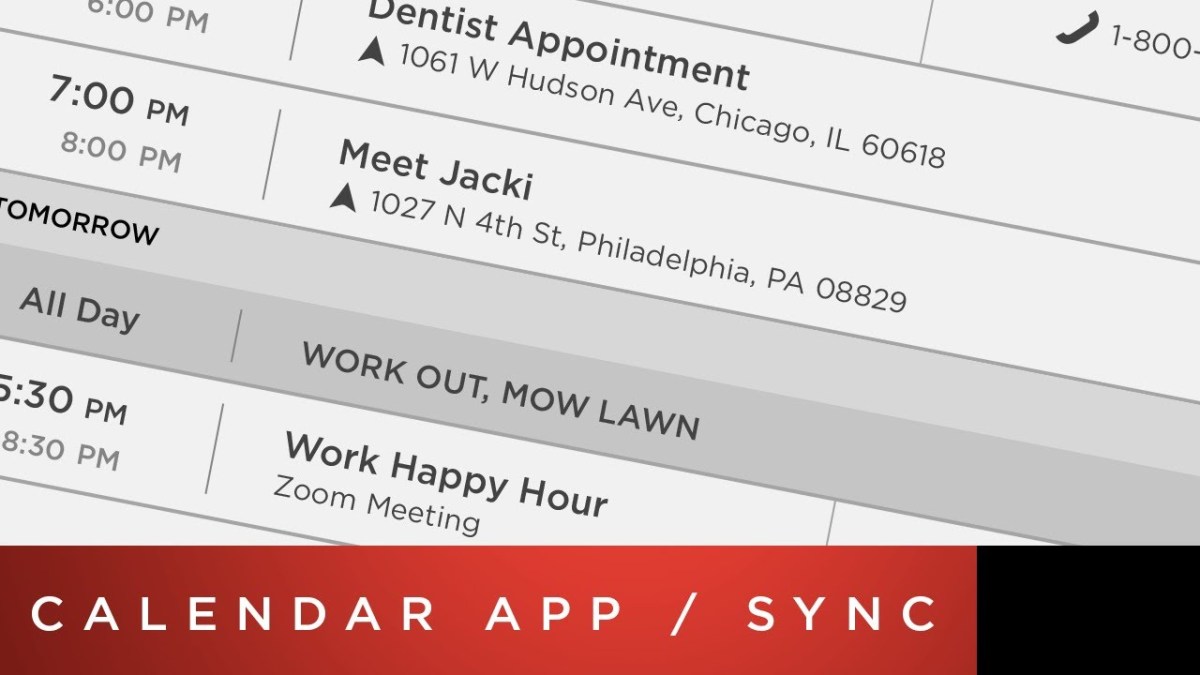
Calendar integration on Tesla cars is a great idea, unless you use Outlook on Android. Here is a workaround

Microsoft has just announced a new Transcription feature in Word. I tested it and found it was good

As the Microsoft 365 (M365) suite gets inexorably broader and more capable there are increasing amounts of overlap between some elements, such as file storage and collaboration. This article discusses where and how to use OneDrive for Business in the mix.

Navigation within Teams is a problem. Most hyperlinks from a Teams tab to another part of Teams don’t work. This Tips article helps solve the problem

A while ago I wrote a (carefully considered) rant about the evil that is the Folder. I dislike folders so much that I wrote a song about them (well, part of a song, but in this I am definitely allowed artistic license.) Yet I am clearly on record as a bit of a Microsoft Teams […]

