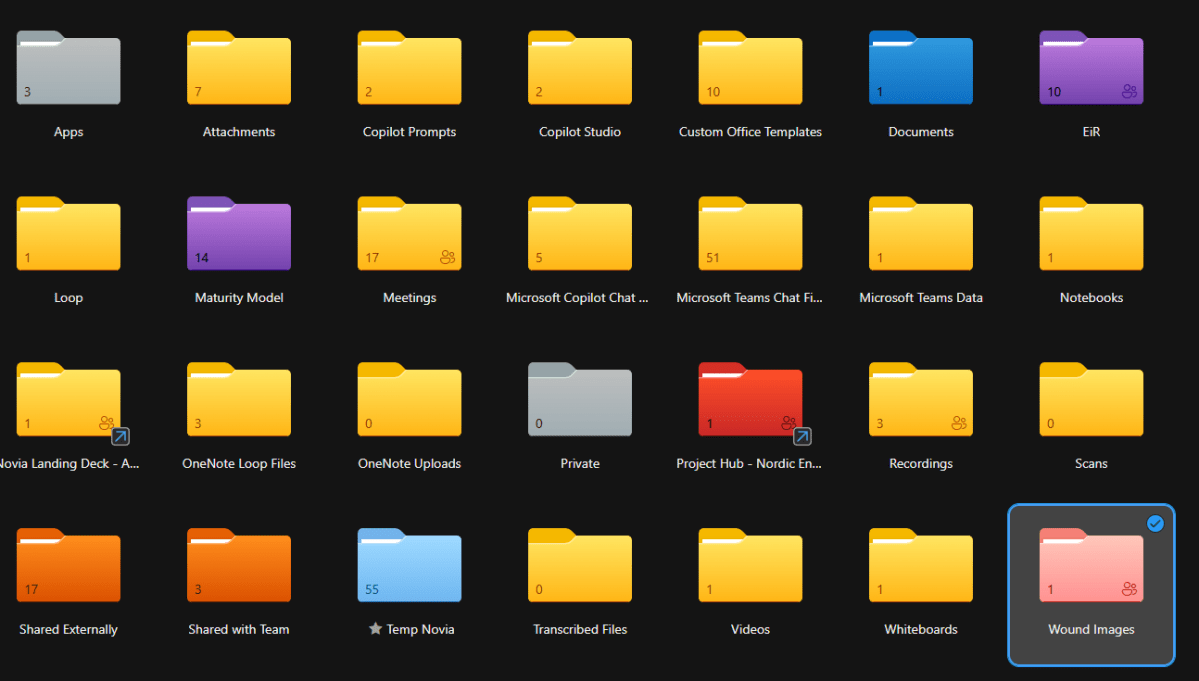
Ever wondered why you can set the colour of some folders in OneDrive and SharePoint, but not others. Here’s the answer…
 Novia Works Ltd
Simon Hudson is an entrepreneur and health sector specialist. He formed Cloud2 in 2008 following a rich career in the international medical device industry and the IT industry. Simon’s background encompasses quality assurance, medical device development, international training, business intelligence and international marketing and health related information and technology.
Simon’s career has spanned both the UK and the international health industry, with roles that have included quality system auditing, medical device development, international training (advanced wound management) and international marketing. In 2000 he co-founded a software-based Clinical Outcomes measurement start-up in the US. Upon joining ioko in 2004 he created the Carelink division and, as General Manager, drove it to become a multi-million pound business in its own right.
In 2008, Simon founded Cloud2 in response to a need for a new way of delivering successful projects based on Microsoft SharePoint. This created the first commercial ‘Intranet in a Box’ solution and kickstarted a new industry. He exited that business in 2019, which has continued to grow as a leading provider of Power BI and analytics solutions.
In 2016, he co-founded Kinata Ltd. to enable effective Advice and Guidance in the NHS and is currently guiding the business beyond its NHS roots to address needs in Her Majesty’s Prisons and in Australasia.
In 2021, Simon founded Novia Works Ltd.
In 2021 he was invited to become Entrepreneur in Residence at the University of Hull.
In 2022 he was recognised as a Microsoft MVP.
In 2025 he founded Sustainable Ferriby CIC, a community energy not-for-profit to develop energy generation, energy & carbon reduction, and broader sustainability & NetZero projects in the West Hull villages.
Simon has had articles and editorials published in a variety of technology, knowledge management, clinical benchmarking and health journals, including being a regular contributor to PC Pro, as well as a presenter at conferences. He publishes a blog on areas of interest at noviaworks.co.uk. He is a co-facilitator of the M365 North User Group. He is a lead author and facilitator on the Maturity Model for Microsoft 365. He is the author of two patents relating to medical devices. He holds a BSc (Hons) in Physical Science and a PGCE in Physics and Chemistry from the University of Hull.
Simon is passionate about rather too many things, including science, music (he plays guitar and octave mandola), skiing, classic cars, narrowboats, the health sector, sustainability, information technology and, by no means least, his family.
Ever wondered why you can set the colour of some folders in OneDrive and SharePoint, but not others. Here’s the answer…
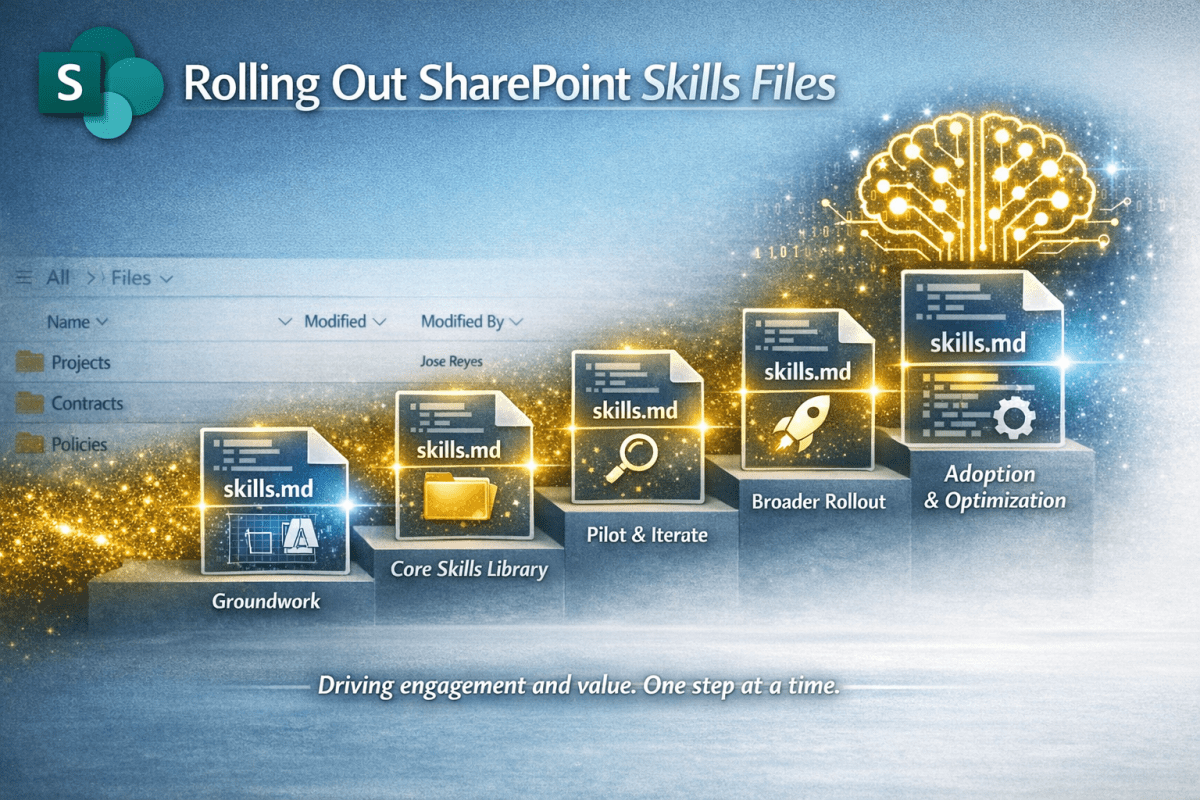
You have got your head around Skills Files and event created some using the Starter Kit. Now you want to get it out there so the benefits happen at scale. This article gives you some simple guidance.
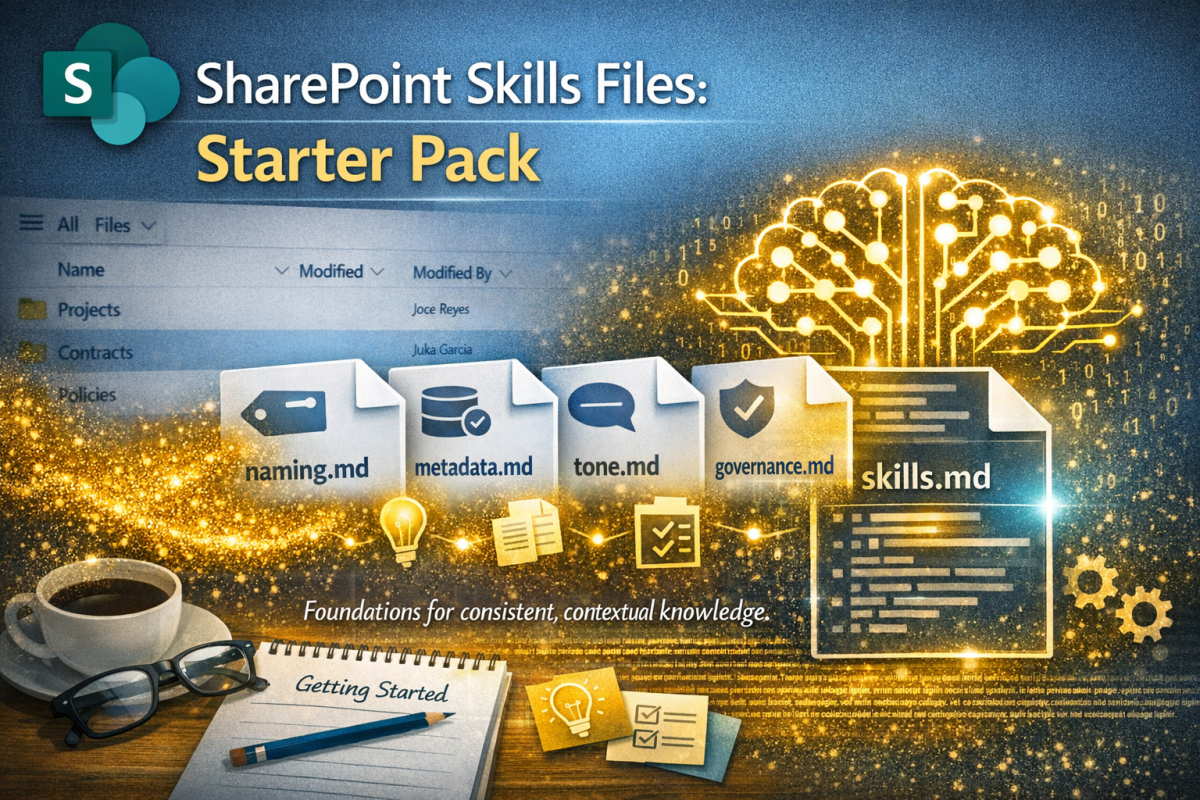
Having already published an introductory article on the upcoming #SkillsFiles feature in #SharePoint (and how they will provide context for #AI to drive #governance, #process and #content management) I felt a need to provide some practical tools. Hence this starter pack.
SharePoint is getting Skills Files – markdown instructions that tell AI how your organisation works. From a KM perspective, this is gold dust: consistent, contextual, and a practical way to encode organisational meta-knowledge. Let’s dive deeper…
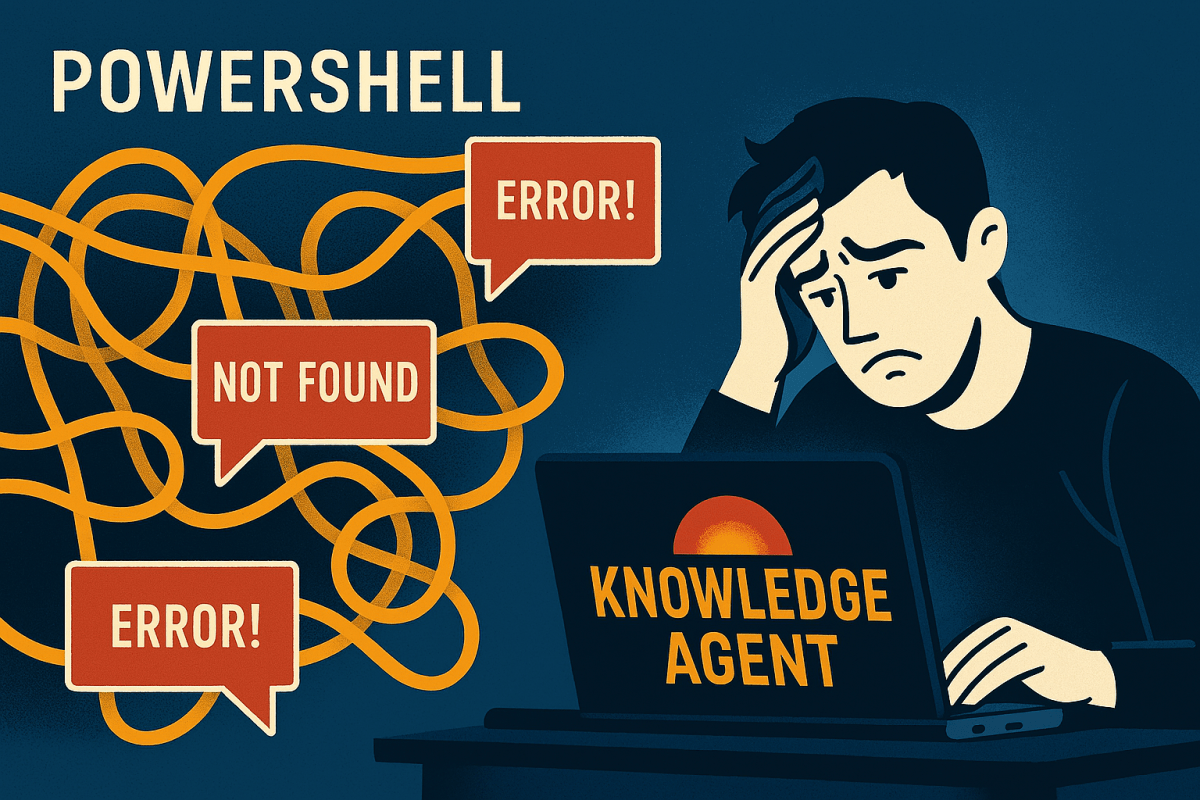
Microsoft’s Knowledge Agent rollout promises smarter content discovery across SharePoint. But for many SharePoint admins, the setup hits unexpected snags, especially if you’re strong in SharePoint but less familiar with PowerShell’s quirks. It would be handy to know where the troubles are and how to work around them.

Add shortcut to OneDrive seems like such a nice idea; a useful alternative to the oft-maligned Sync function for those needing desktop access to their files.
But all is not well in Wonderland

To build a great content management solution in SharePoint you should use Content Types. Simon Hudson and Mats Warnolf tell you how and why.

I use Microsoft Planner and To Do for lightweight project management, preferring its simplicity. The announcement of a unified Planner experience merging Planner, To Do, and Project, had me spooked.
This blog unpicks the impacts for the ordinary user.

The Blucalm INSIGHT 50 positions itself as a professional-grade headset for conferencing and extended wear. While it doesn’t aim for audiophile territory, its strengths lie in comfort, clarity, and design customisation. I have been using a Blucalm headset for the last year; the impressive UCH30. When I reviewed them I was blown away by their […]

I was recently asked, how can I evangelise NetZero & sustainability yet be happy to use AI (mostly Copilot) many times per day given that data centres use above 2% -3% of the world’s electricity? While asked in jest, it’s a valid question, so Copilot and I did the maths… Energy use per query A […]

AI has become great at many things; it can even transform terrible handwriting into typewritten text. I share the journey of discovery from scrawl to near perfect transcription.

There’s a need for Human In The Loop (HITL) when using AI Agents, but also consider the role of AIITL when people need supervision.
 Novia Works Ltd