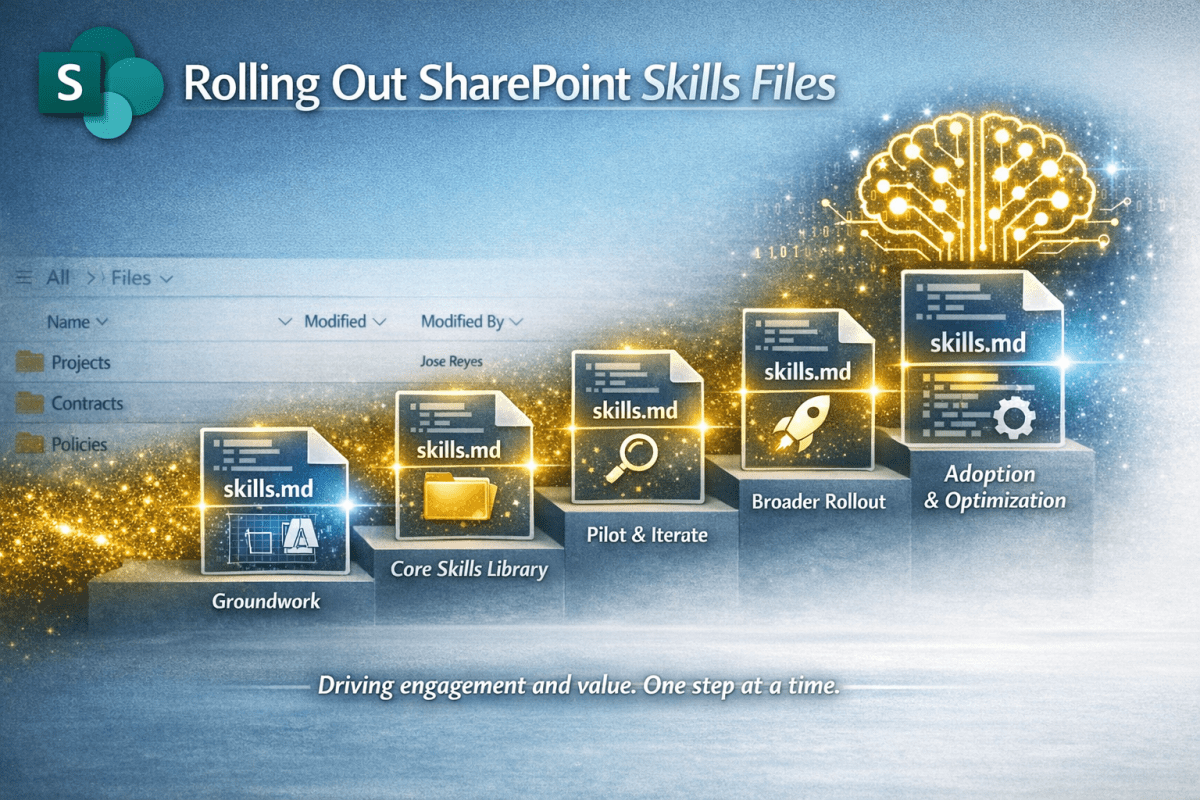
You have got your head around Skills Files and event created some using the Starter Kit. Now you want to get it out there so the benefits happen at scale. This article gives you some simple guidance.
 Novia Works Ltd
You have got your head around Skills Files and event created some using the Starter Kit. Now you want to get it out there so the benefits happen at scale. This article gives you some simple guidance.
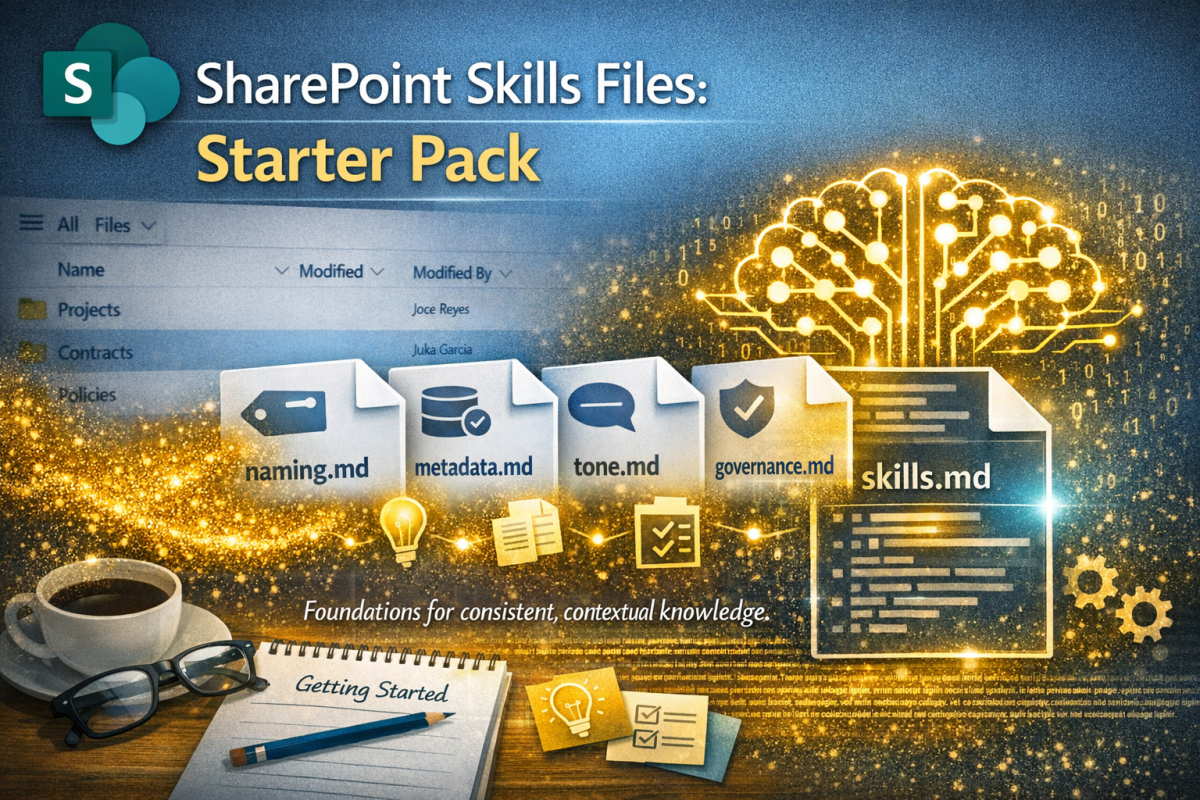
Having already published an introductory article on the upcoming #SkillsFiles feature in #SharePoint (and how they will provide context for #AI to drive #governance, #process and #content management) I felt a need to provide some practical tools. Hence this starter pack.
SharePoint is getting Skills Files – markdown instructions that tell AI how your organisation works. From a KM perspective, this is gold dust: consistent, contextual, and a practical way to encode organisational meta-knowledge. Let’s dive deeper…
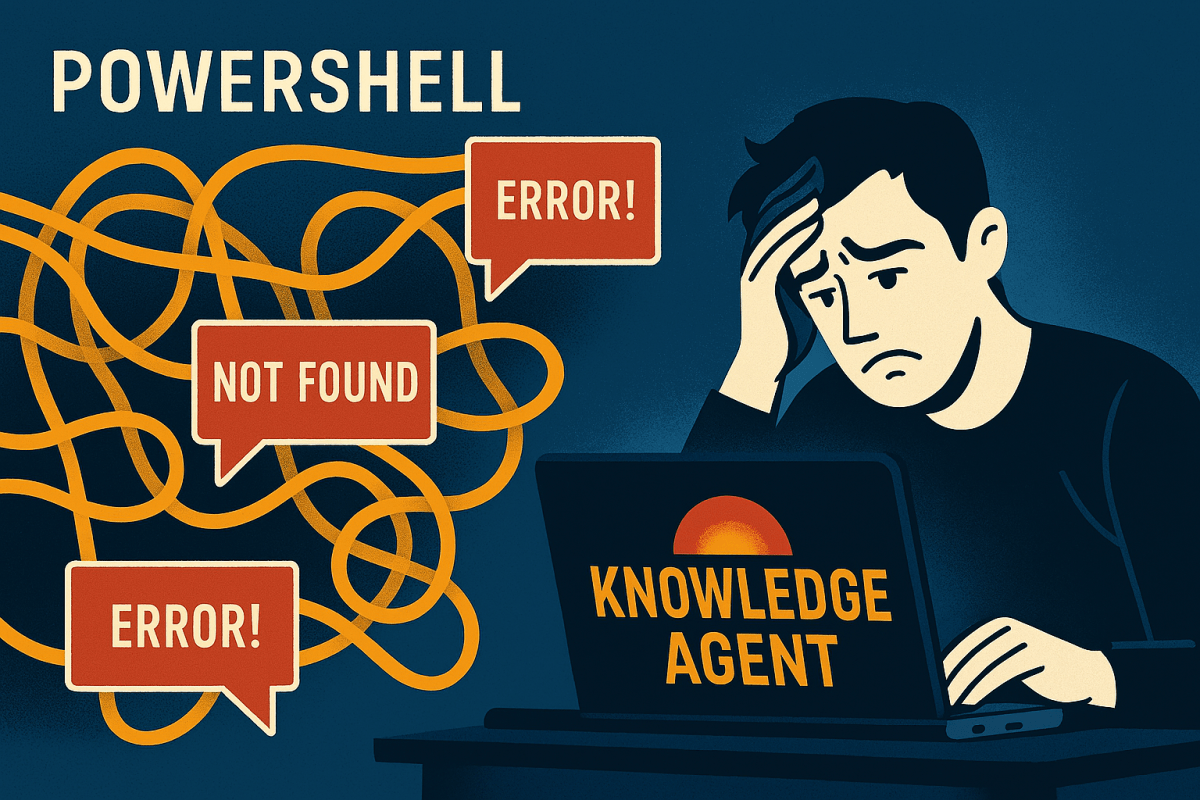
Microsoft’s Knowledge Agent rollout promises smarter content discovery across SharePoint. But for many SharePoint admins, the setup hits unexpected snags, especially if you’re strong in SharePoint but less familiar with PowerShell’s quirks. It would be handy to know where the troubles are and how to work around them.

Add shortcut to OneDrive seems like such a nice idea; a useful alternative to the oft-maligned Sync function for those needing desktop access to their files.
But all is not well in Wonderland

To build a great content management solution in SharePoint you should use Content Types. Simon Hudson and Mats Warnolf tell you how and why.

I use Microsoft Planner and To Do for lightweight project management, preferring its simplicity. The announcement of a unified Planner experience merging Planner, To Do, and Project, had me spooked.
This blog unpicks the impacts for the ordinary user.

AI has become great at many things; it can even transform terrible handwriting into typewritten text. I share the journey of discovery from scrawl to near perfect transcription.

This blog describes a method for separating ‘proper’ templates from ‘kind-of’ templates in SharePoint libraries, using the file extension and some nifty column formatting courtesy of Microsoft Copilot.

You want to open PDFs into Acrobat so you can sign them, add comments etc.
Your browser wants to open them in its PDF viewer which can’t do that.
This blog tells you how to be the victor in this mighty battle.

The SharePoint Brand Centre (or Center if you must) started appearing throughout September 2024, following announcements the previous year. It offers organisations a central place to manage and internally promote their brand, while also enabling brand fonts and themes to be applied throughout SharePoint and Viva Connections.
This article explores it in more depth; helps you get up and running and talks about what it can, and currently cannot do.

Some individuals prefer video content for learning, while others find written text more efficient. This blog details a quest to convert a messy video transcript into readable text using AI tools. Various attempts with Copilot and ChatGPT are explored, highlighting the potential for AI to transform video and audio content into professional written material.
 Novia Works Ltd